Official Preview
In-Depth Review
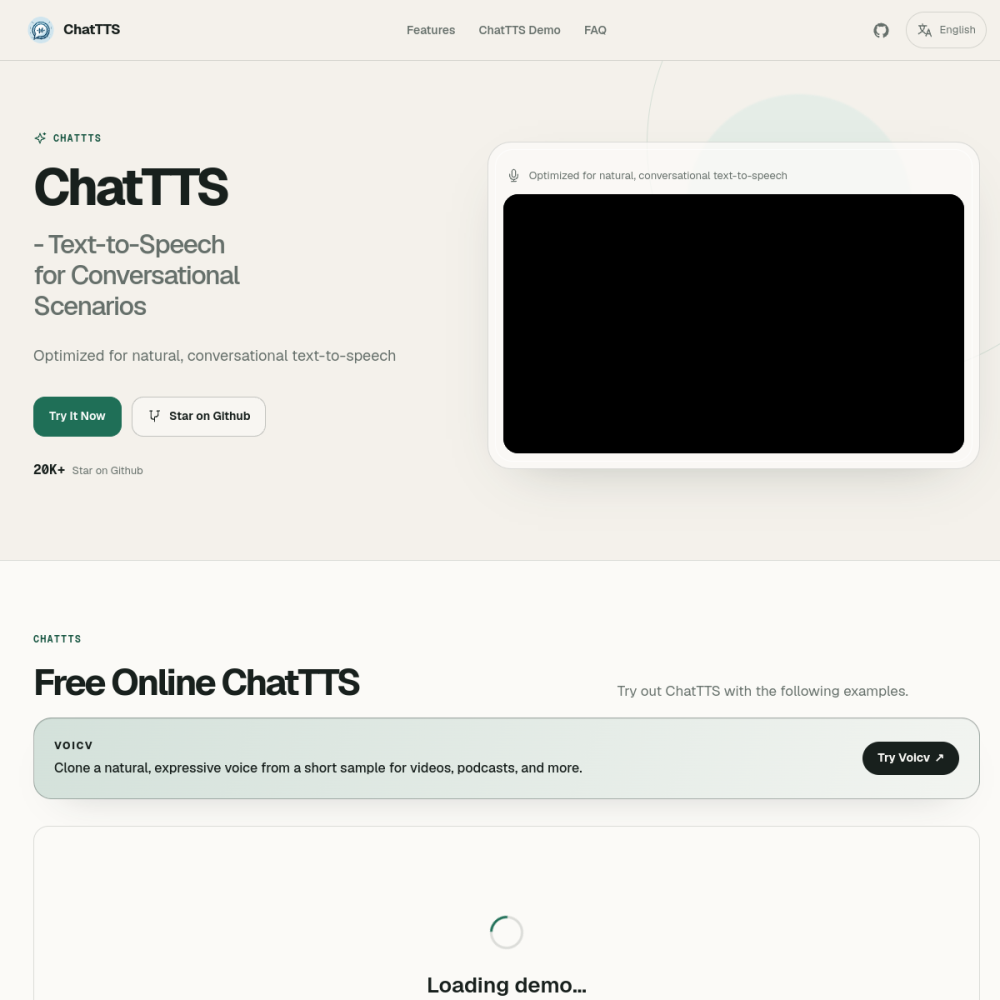
ChatTTS is a conversational text-to-speech model designed to produce audio that sounds like natural human dialogue rather than robotic narration. Unlike traditional TTS systems, it captures the rhythm, pauses, and emotional tone of real conversations.
Whether you need lifelike voiceovers for video content, interactive audio for apps, or accessible narration, ChatTTS offers a practical path to generating speech that feels human. This guide covers what ChatTTS is, who benefits from it, and how to start using it effectively.
ChatTTS is a text-to-speech model built specifically for conversational speech. It processes written text and outputs audio that mimics the cadence, intonation, and natural pauses of spoken dialogue. This makes it distinct from standard TTS engines that tend to sound flat or mechanical.
The model was developed to handle the nuances of back-and-forth conversation, including emphasis shifts and emotional coloring. It is available through its official website at chattts.com, where users can explore demos and access the tool.
ChatTTS focuses on dialogue realism. It generates speech with natural prosody, meaning the pitch, stress, and timing of words follow patterns similar to how people actually talk. This reduces the uncanny valley effect common in synthetic voices.
Additional strengths include handling varied sentence structures, producing consistent voice output across longer passages, and supporting multiple languages. The model is designed to be lightweight enough for practical deployment without requiring massive infrastructure.
Content creators who produce video, podcasts, or audiobooks benefit from ChatTTS because it reduces the time and cost of recording professional narration. Developers building voice-enabled applications can integrate it to add natural-sounding speech without hiring voice actors.
Accessibility teams use conversational TTS to improve screen reader experiences, making digital content more engaging for visually impaired users. Educators and trainers also find value in generating clear, natural-sounding audio for instructional materials.
Video production teams use ChatTTS to create voiceovers for explainer videos, tutorials, and social media content without needing a recording studio. Game developers apply it to generate NPC dialogue that feels more organic than pre-recorded lines.
Customer service teams explore it for building interactive voice assistants that respond with natural tone. E-learning platforms use it to produce audio lessons that maintain listener engagement through conversational pacing.
To begin, visit chattts.com and explore the available demos to understand the model's output quality. Most implementations require inputting text and selecting parameters such as speaking rate or voice style. Start with short passages to calibrate expectations before scaling to longer content.
For best results, write text in a conversational tone—short sentences, natural phrasing, and clear punctuation improve output quality. Avoid overly formal or technical language, as the model performs best when the input mirrors how people actually speak.
ChatTTS is available as an open-source project. Users can access the model and its outputs through its official website. Check chattts.com for current licensing terms and any usage restrictions.
Standard TTS tools produce clear but often mechanical-sounding narration. ChatTTS is trained specifically for conversational speech, capturing natural pauses, intonation shifts, and emotional tone that make audio feel more human.
Yes, ChatTTS supports multiple languages. The model is designed to produce natural-sounding dialogue across different linguistic contexts, though output quality may vary depending on the language and available training data.
AI text-to-speech in 29 languages
Google's AI notes & podcast tool
Pro AI audio/video transcription
High-quality AI music creation