Website Preview
Tool Guide
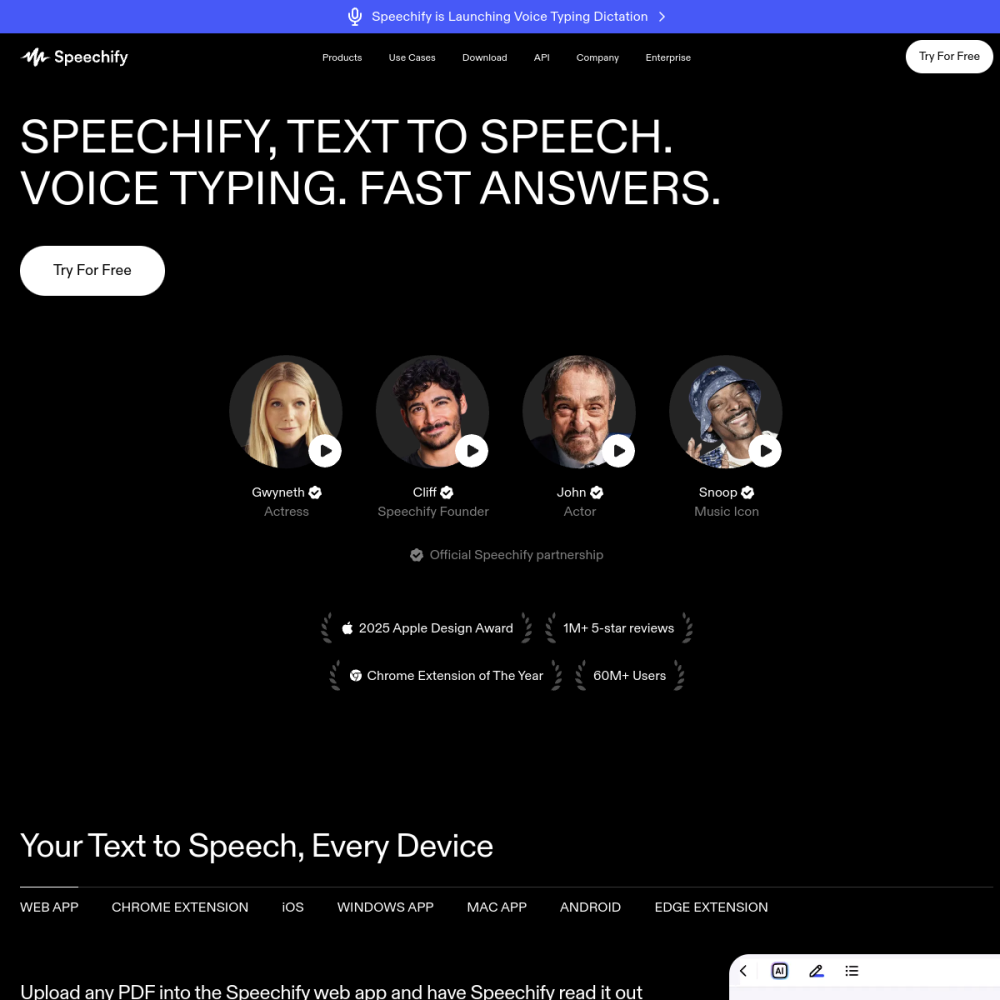
Speechify is an AI audio tool designed to transform written text into spoken audio. It serves as a digital reader, allowing users to listen to various content formats instead of reading them silently.
This platform focuses on accessibility and efficiency, enabling users to consume information while multitasking. Whether for education or personal productivity, the tool streamlines the process of engaging with written material.
Speechify functions primarily as an AI text-to-speech reader. It takes input from written sources and generates audio output for playback. The core technology relies on artificial intelligence to produce natural-sounding voices.
This allows the software to handle different text structures without losing clarity. By converting static text into dynamic audio, the tool changes how users interact with digital documents. It removes the barrier of visual reading requirements.
The primary feature is the ability to read text aloud with high fidelity. Users can upload documents or input text directly to begin conversion. The system supports various content types, ensuring versatility across different user needs.
This includes standard documents and web articles available online. Audio playback controls allow users to manage their listening experience. Features typically include speed adjustment and voice selection to match personal preferences.
This tool is suitable for individuals who prefer auditory learning methods. Students and professionals can benefit from listening to materials during commutes or exercise routines. It is also valuable for users with visual impairments.
The text-to-speech capability provides an alternative way to access information without relying solely on sight. Anyone looking to maximize their time can utilize this platform. It fits well into busy schedules where visual attention is required elsewhere.
A common application is listening to news articles or blog posts. Users can stay informed on current events without spending time staring at a screen. Another use case involves reading educational books or research papers.
Listening to these materials can aid retention for some learners who process audio better than text. Professionals may use it to review reports or emails. This helps clear backlogs of written communication while focusing on other work.
To begin using Speechify, visit the official website and create an account. Once logged in, users can access the dashboard to upload their first document. Select the text you wish to convert and choose your preferred voice settings.
Adjusting playback speed can help match the audio pace to your comprehension level. Start with short documents to familiarize yourself with the interface. As you become comfortable, you can process longer files or integrate the tool into your workflow.
The tool is designed to read various written formats, including documents, articles, and books uploaded by the user.
Specific pricing details vary, so users should check the official website for current plans and availability.
You can access the platform by visiting the official website at speechify.com and signing up for an account.