Website Preview
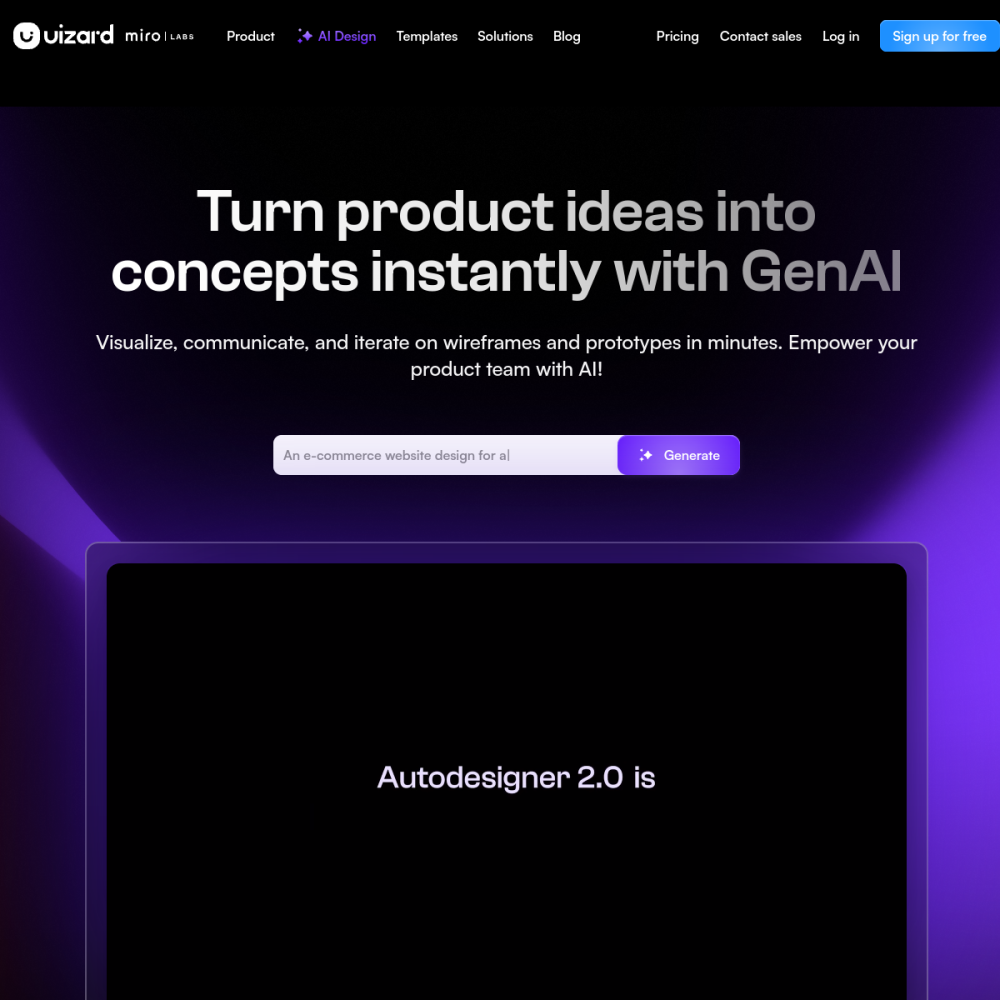
Tool Guide
Uizard is an AI design platform that converts sketches and text inputs into functional UI mockups. This tool streamlines the initial stages of interface creation by automating the translation of rough ideas into digital formats. It allows users to bypass traditional drawing methods and focus on layout and structure.
Designed for the AI Design category, Uizard helps users move from concept to visual representation quickly. It serves as a practical solution for teams needing to iterate on designs without starting from a blank canvas. The platform emphasizes speed and accessibility in the design workflow.
Uizard is a web-based application focused on accelerating the design process through automation. It utilizes artificial intelligence to interpret user inputs, specifically sketches and text descriptions, to generate interface layouts.
The platform aims to reduce the time spent on manual drawing and layout adjustments during the early phases of product development. By handling the initial construction, it allows creators to focus on user experience and functionality.
The core functionality involves turning sketches and text into UI mockups. Users can upload hand-drawn concepts or type out design requirements to see immediate digital results.
The tool supports various interface elements, allowing for the creation of screens that resemble professional design software outputs without requiring extensive technical knowledge. This feature set bridges the gap between ideation and digital presentation.
This tool is suitable for designers looking to speed up their workflow significantly. It is also beneficial for developers who need to visualize requirements before writing code.
Additionally, non-designers within product teams can use Uizard to communicate ideas clearly without needing specialized design training or software expertise. Product managers and entrepreneurs can also leverage it to validate concepts early.
Teams often use Uizard for rapid prototyping during brainstorming sessions to test ideas quickly. It is effective for creating initial wireframes that can be shared with stakeholders for feedback before committing resources.
The platform supports the creation of mobile and web interface concepts, making it versatile for different project scopes and design needs. It helps align team members on visual direction.
To begin, users should prepare clear sketches or concise text descriptions of their desired interface. Uploading high-quality images of sketches improves the accuracy of the AI conversion process.
It is helpful to iterate on the generated mockups, refining elements until the design matches the intended vision before moving to detailed development. Consistent feedback loops ensure the final output meets project goals.
Uizard turns sketches and text into UI mockups using AI design technology to accelerate creation.
Specific pricing details are not provided in this overview, so users should check the official website for current plans and availability.
Yes, the tool supports creating interface concepts suitable for web and mobile applications based on provided inputs.