MasterGo AI
AI layout and design system generator on MasterGo platform
Official Preview
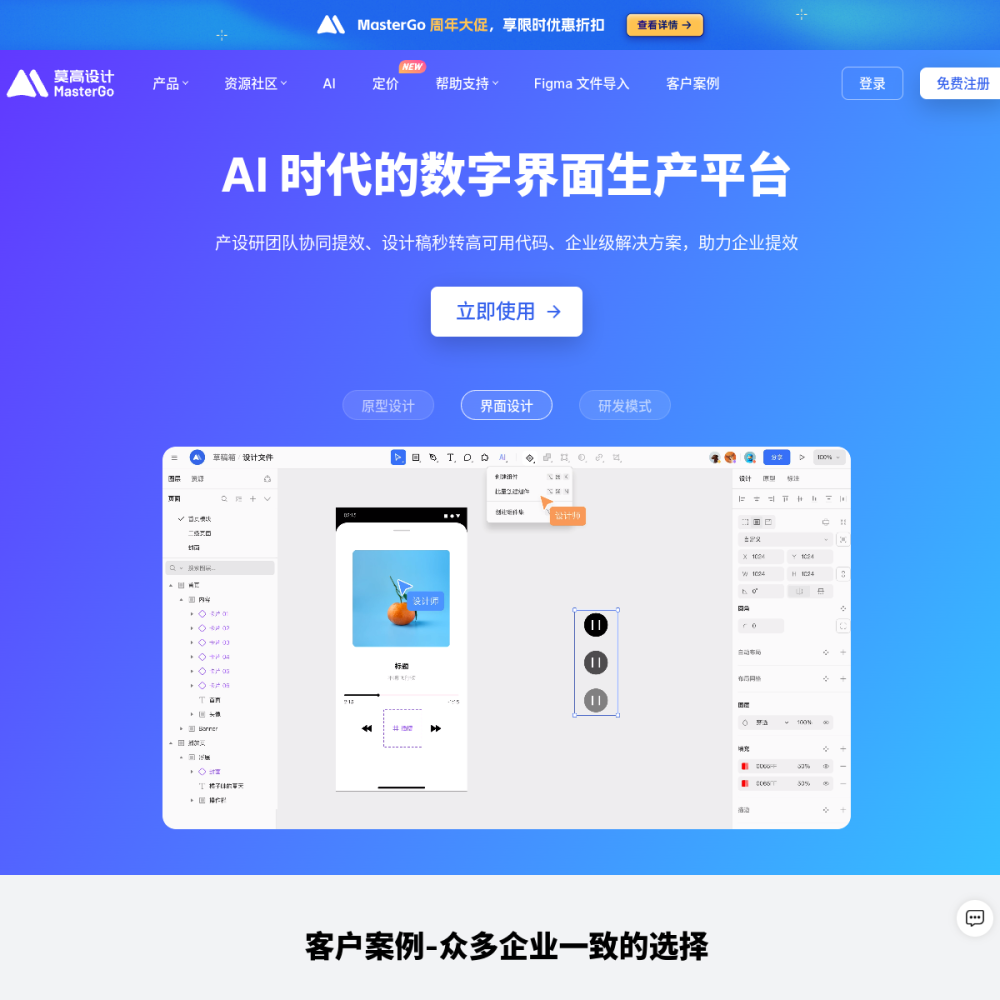
AI layout and design system generator on MasterGo platform
In-Depth Review
MasterGo AI is an AI-powered layout and design system generator built into the MasterGo platform. It helps designers and teams produce structured layouts and reusable design systems faster, reducing repetitive manual work in the design process.
Whether you are a solo designer or part of a product team, MasterGo AI streamlines the early stages of interface design by generating initial layouts and component structures that you can refine and customize.
MasterGo AI is a feature within the MasterGo design platform that uses artificial intelligence to generate layouts and design systems. Instead of starting from a blank canvas, users can describe or select parameters and receive structured design outputs as a starting point.
It sits alongside MasterGo's existing collaborative design tools, adding an AI layer that accelerates ideation and system building. The tool focuses on layout generation and design system creation rather than full autonomous design.
MasterGo AI can generate page layouts based on user input, producing structured arrangements of components that follow common design patterns. This helps teams move past the blank-page problem and iterate on real structure.
It also supports design system generation, creating organized component libraries and style tokens that maintain consistency across projects. These outputs are editable within the MasterGo environment, so designers retain full control over the final result.
MasterGo AI is designed for UI designers, product designers, and design teams who need to produce layouts and design systems quickly. It is particularly useful for teams working on multiple products that share common interface patterns.
Design leads and system architects can use it to scaffold new design systems, while individual designers can leverage it to accelerate early-stage wireframing and layout exploration.
Teams building new product interfaces can use MasterGo AI to generate initial layout structures for dashboards, landing pages, and application screens. This provides a solid foundation that designers can adapt to specific brand and product requirements.
Design system owners can use the tool to create initial component libraries and style guidelines, then refine them through collaboration. It is also useful for rapid prototyping sessions where speed matters more than pixel-perfect detail.
To begin using MasterGo AI, create an account on the MasterGo platform and explore the AI generation features within the design workspace. Start with a clear brief or set of parameters to guide the AI's output.
For best results, use the generated layouts as a starting point rather than a final deliverable. Review the AI output critically, adjust spacing and hierarchy, and integrate your team's existing design tokens and components to maintain consistency.
MasterGo AI is an AI-powered layout and design system generator built into the MasterGo platform. It helps designers create structured layouts and reusable design systems faster by generating initial designs that can be customized.
MasterGo offers a free tier for basic usage. Advanced AI features and team collaboration tools may require a paid subscription. Check the MasterGo website for current pricing details.
Yes. All AI-generated layouts and design systems are fully editable within the MasterGo platform. Designers can modify components, adjust spacing, change styles, and integrate existing design tokens to tailor outputs to their needs.
Free infinite AI canvas for vectors
Figma's native AI design tools