Website Preview
Tool Guide
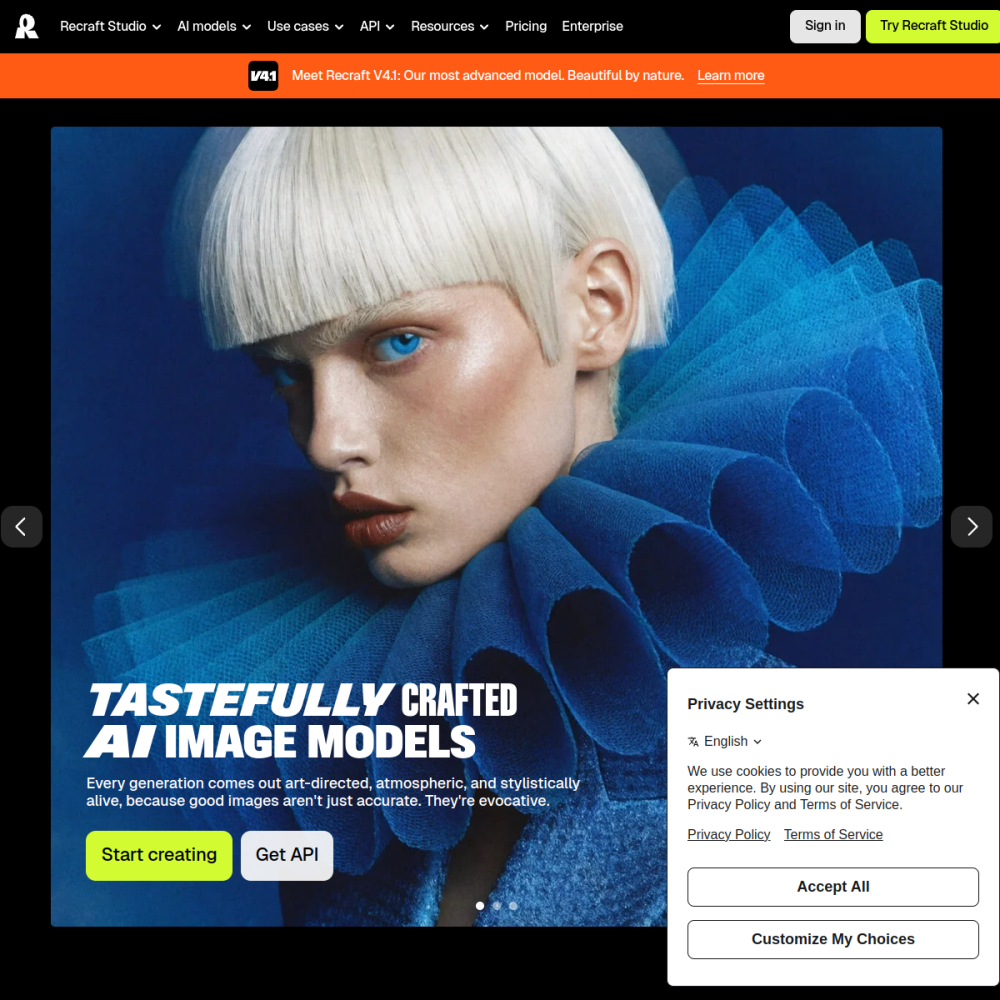
Recraft AI is an AI-powered design tool focused on vector graphics. It provides users with a free infinite canvas environment to create and edit scalable images without traditional software limitations.
This platform aims to simplify the design process by integrating artificial intelligence into the workflow. Users can generate assets, modify styles, and manage projects within a single browser-based interface.
Recraft AI is a web-based application designed for creating vector graphics. It leverages artificial intelligence to assist users in generating and editing scalable images efficiently.
The core offering includes a free infinite canvas, allowing designers to work on large projects without boundary constraints. This approach supports continuous creativity and flexible layout management within the browser.
The primary feature is the infinite canvas, which removes standard page limits. Users can zoom and pan freely while maintaining image quality throughout the design process.
AI capabilities allow for quick generation of vector assets. The tool supports style consistency and editing options tailored for modern graphic design workflows.
Recraft AI suits graphic designers looking for efficient vector creation tools. It is particularly useful for those needing scalable graphics for web or print media projects.
Content creators and marketers can also benefit from the platform. The free access model makes it accessible for individuals testing new design concepts without financial commitment.
Users often create logos, icons, and illustrations using the AI generation features. The vector format ensures these assets remain sharp at any size required for branding.
Another common application is designing social media graphics. The infinite canvas helps organize multiple variations and layouts within one project file for easy comparison.
To begin, visit the official website and access the canvas interface. No complex installation is required as the tool runs directly in the browser.
Start by defining your design goals before generating assets. Utilizing the infinite space effectively helps keep related elements organized during the editing process.
Save your work frequently to ensure progress is not lost. Experiment with different AI prompts to understand the range of styles available within the platform.
Yes, the tool offers a free infinite canvas for vector design tasks.
It focuses on generating and editing vector graphics that scale without quality loss.
No, the platform operates as a web-based tool accessible through standard browsers.