Website Preview
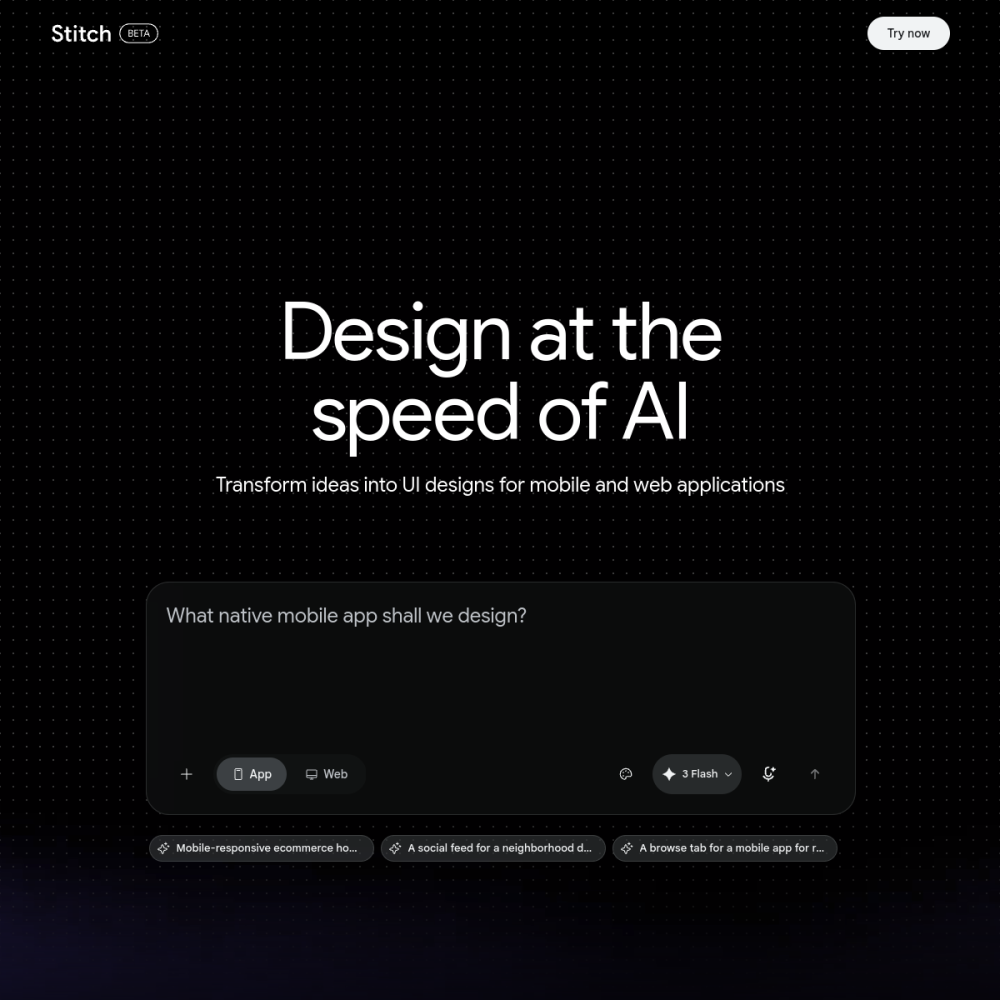
Tool Guide
Galileo AI is a text-to-UI design tool that helps users create interface layouts through natural language prompts. It focuses on accelerating the initial design phase by generating structured visual elements based on user input. This approach allows designers to move from idea to visual prototype much faster than traditional methods.
This platform serves as a starting point for wireframing and high-fidelity mockups. By leveraging generative capabilities, it reduces the time spent on blank canvas syndrome and allows creators to iterate quickly on design concepts. The tool is designed to integrate into existing workflows for digital product development.
Galileo AI is an AI-powered platform specializing in user interface generation. Users input descriptive text, and the system produces corresponding design layouts. The tool aims to bridge the gap between conceptual ideas and visual representation without requiring extensive manual drawing.
It operates as a generative assistant for digital product creation, streamlining the early stages of design work. This functionality allows teams to visualize concepts rapidly before committing to detailed development resources.
The primary feature is text-to-UI generation, allowing prompt-based creation of screens. It supports various design components and layouts suitable for web and mobile applications. Users can typically export or edit the generated designs within compatible design environments.
The interface focuses on usability and speed during the creation process, ensuring minimal friction. This ensures that the tool remains practical for daily design tasks rather than serving as a novelty experiment.
This tool is ideal for product designers, UX researchers, and developers needing quick prototypes. It also suits entrepreneurs who lack design skills but need to visualize product ideas. Teams looking to speed up early-stage ideation will find the automation useful for rapid iteration.
It reduces the barrier to entry for creating professional-looking interfaces for various stakeholders. Anyone involved in the product development lifecycle can benefit from the accelerated visualization capabilities provided by the platform.
Common applications include creating landing page mockups, mobile app screens, and dashboard layouts. It is often used for brainstorming sessions where visualizing multiple concepts quickly is necessary. Stakeholders can use it to communicate design intent before detailed development begins.
This helps align teams on visual direction early in the project lifecycle, saving time on revisions. By establishing a visual baseline early, projects can avoid costly misunderstandings during the later stages of engineering and implementation.
To begin, visit the official website and create an account to access the generation interface. Write clear, detailed prompts describing the desired layout, style, and functionality. Experiment with different wording to refine the output and ensure the generated UI matches your specific project requirements.
Consistent prompt engineering leads to better results and more accurate design outputs. Users should treat the initial generation as a draft that can be refined through iterative prompting and manual adjustments.
Pricing details vary, so check the official website for current plans and availability. Some features may require a subscription to access advanced generation capabilities or higher usage limits.
The tool generates UI layouts that can typically be exported for further editing in standard design software. This allows for custom adjustments after generation, ensuring the final product meets specific brand guidelines.
It focuses on text-to-UI generation, suitable for web pages, mobile apps, and dashboard interfaces. It handles various common design patterns, making it versatile for different types of digital products and user experiences.