Google AI Studio
Vendor: Try Google
Try Google's latest AI models free
Website Preview
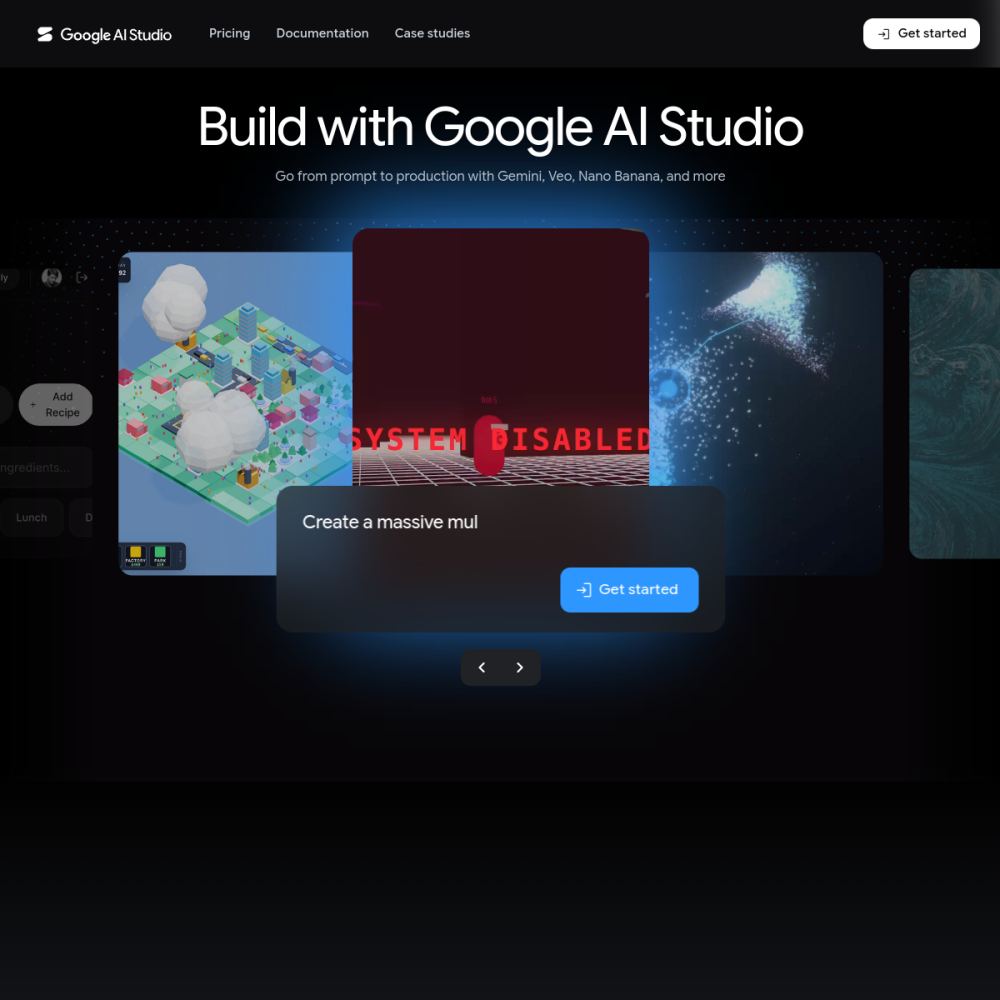
Vendor: Try Google
Try Google's latest AI models free
Tool Guide
Google AI Studio serves as a central hub for developers and creators to interact with Google's artificial intelligence capabilities. As part of the AI Dev Platforms category, this tool allows users to try Google's latest AI models free of charge without complex setup requirements.
The platform focuses on accessibility and experimentation. By providing direct access to large language models, it enables users to test prompts, evaluate outputs, and integrate AI functionalities into their workflows efficiently.
Google AI Studio is an online environment designed for experimenting with generative AI. It provides a browser-based interface where users can input prompts and receive responses from Google's underlying technology. This setup removes barriers to entry for those wanting to understand how modern AI systems function.
The service operates as a playground for innovation. Users can adjust parameters and observe how different inputs affect model behavior. This transparency helps demystify the technology for both technical and non-technical audiences.
The primary feature is the ability to try Google's latest AI models free. Users can switch between different model versions to compare performance and capabilities. This comparison helps in selecting the right model for specific tasks.
Another significant aspect is the prompt engineering interface. Users can refine their inputs to get more accurate results. This iterative process is essential for optimizing AI interactions for production use.
This tool is ideal for software developers building AI-driven applications. They can test logic and model responses before committing to larger infrastructure costs. It serves as a sandbox for prototyping new ideas quickly.
Content creators and marketers also benefit from the platform. They can generate text, brainstorm ideas, or analyze data without needing deep coding knowledge. The free tier lowers the risk of experimenting with new content strategies.
One common use case involves natural language processing tasks. Users can summarize documents, translate text, or rewrite content for different tones. The models handle these linguistic challenges with varying degrees of nuance.
Developers frequently use the studio for code generation and debugging. By describing a function, users can receive working code snippets in multiple programming languages. This accelerates the software development lifecycle significantly.
To begin, visit the official website at aistudio.google.com. Users need to sign in to access the full suite of tools. Authentication ensures that usage is tracked and managed securely.
Start by selecting a model from the available options. Input a clear prompt to test the response quality. Adjusting settings can change the creativity of the output. Keep track of successful prompts for future reference.
Yes, the platform allows users to try Google's latest AI models free of charge.
No, the interface is designed for both developers and non-technical users to experiment with prompts.
You can access the tool directly through the website at aistudio.google.com.