Official Preview
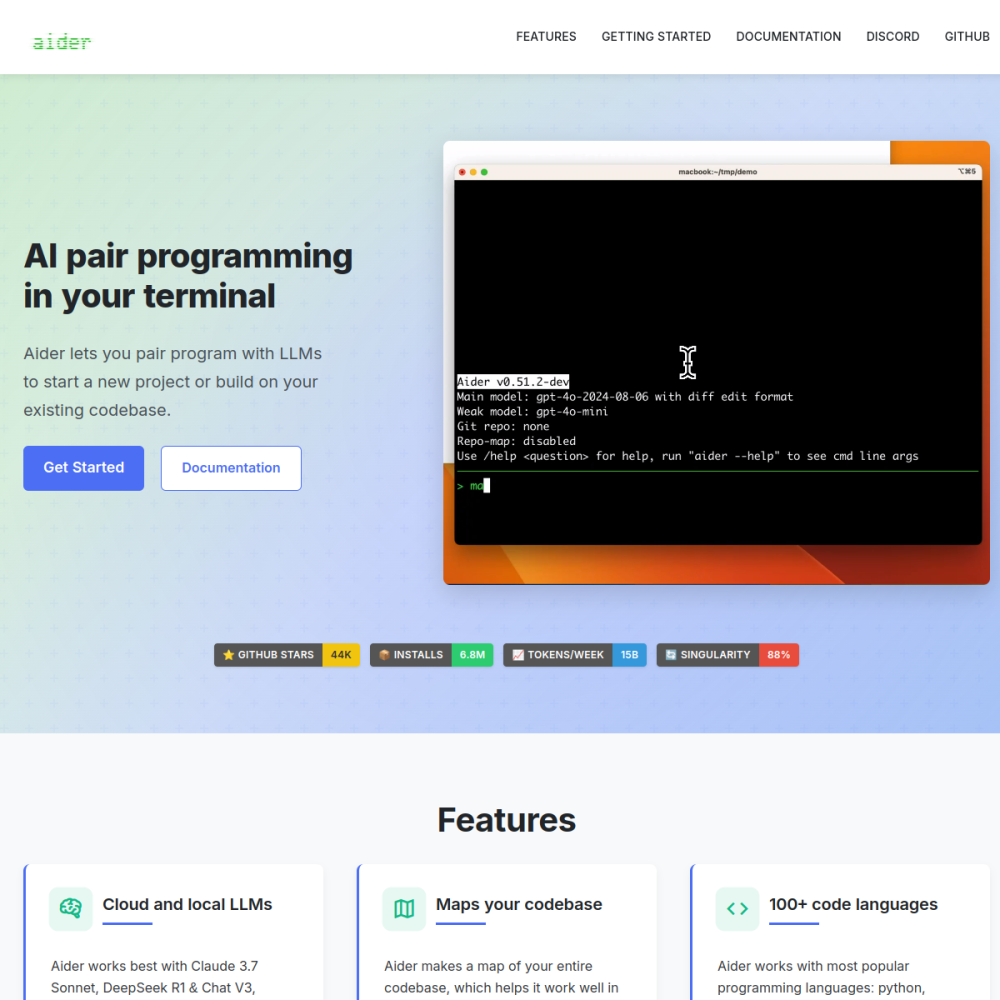
In-Depth Review
Aider is an open-source AI pair programming assistant that runs in your terminal. It connects to large language models to help you write, edit, and debug code directly from the command line, with automatic git commits for every change.
Developers who prefer working in the terminal—whether writing scripts, building applications, or refactoring existing projects—can use Aider to accelerate their workflow without leaving their preferred environment.
Aider is a command-line tool that pairs you with an AI assistant for collaborative coding. It reads and writes files in your repository, applies edits, and commits changes to git automatically. The tool supports multiple LLM backends including GPT-4, Claude, and open-source models.
It works by letting you describe what you want to change in natural language. Aider then generates the appropriate code edits, shows you the diff, and commits the result. You stay in control of the process at every step.
Git integration is built in—every AI-generated change is committed with a descriptive message, so you can always revert. Aider also supports adding files to the chat context, giving the AI visibility into your project structure.
Other notable features include support for multiple programming languages, the ability to run tests after edits, and a web UI mode. Aider works with both local and cloud-hosted models, offering flexibility in cost and privacy.
Aider is designed for developers who are comfortable in the terminal and want AI assistance without switching to a separate application or IDE plugin. It suits solo developers, small teams, and anyone who values version control discipline.
It is especially useful for experienced programmers who want to speed up boilerplate work, generate tests, or refactor code quickly while maintaining a clean git history.
Typical use cases include generating new functions or classes, debugging errors by pasting stack traces, refactoring legacy code, writing documentation, and creating unit tests. Developers also use Aider to explain unfamiliar codebases by adding files to the chat.
Another common pattern is rapid prototyping—describing a feature in plain English and letting Aider scaffold the initial implementation, which you then review and refine.
To get started, install Aider via pip (pip install aider-chat), configure your API key for the desired model, and run aider in your project directory. From there, you can add files with /add and start chatting.
Tips for better results: keep your chat context focused by adding only relevant files, use /clear to reset when switching tasks, and review diffs before accepting changes. Starting with a smaller model for simple edits and switching to a larger one for complex refactors can balance cost and quality.
Aider itself is open-source and free. However, you need an API key for the LLM it connects to, which may incur costs depending on the model and usage volume.
Yes. Aider supports most popular languages including Python, JavaScript, TypeScript, Go, Rust, Java, and more. It reads and edits files regardless of language.
Yes. Aider supports local models through Ollama and other backends, allowing you to run AI-assisted coding entirely on your own hardware without sending code to external servers.
AI code editor for fast development