Website Preview
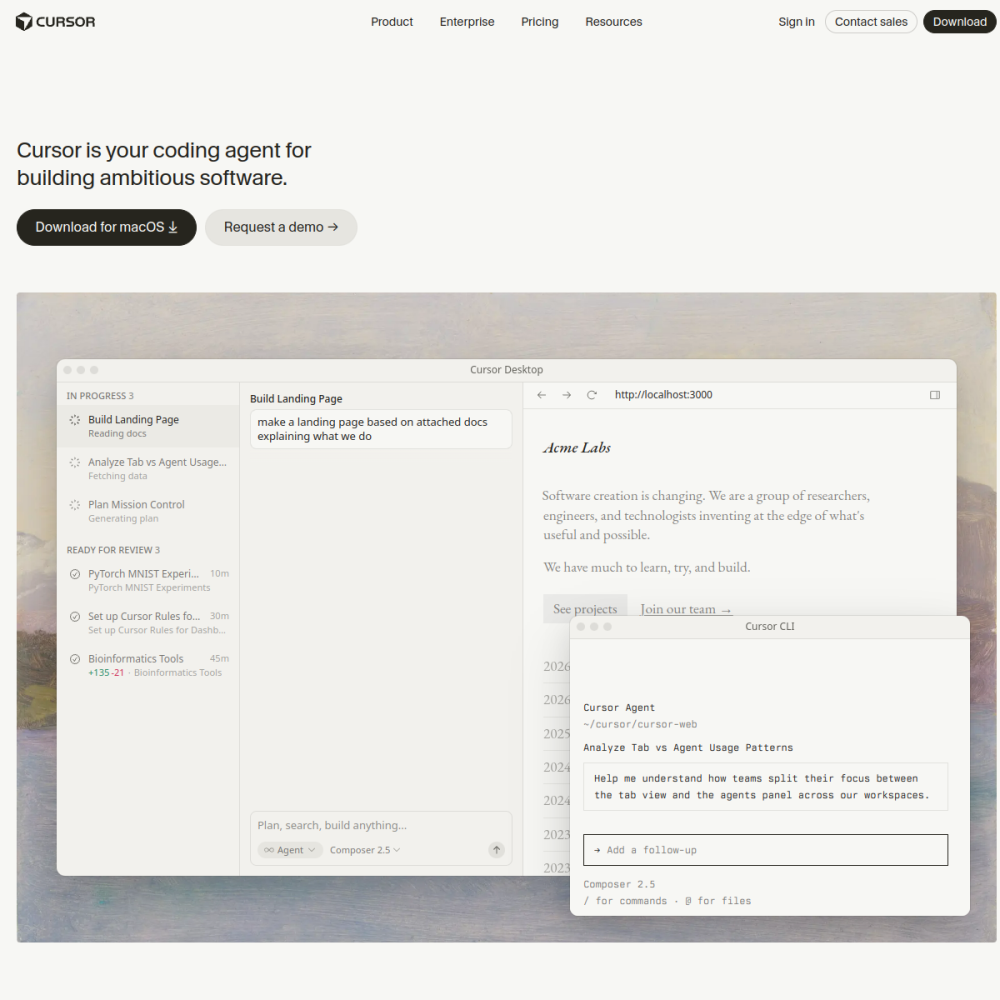
Tool Guide
Cursor represents a shift in how developers approach writing software. It functions as an AI code editor built specifically for fast development workflows. By integrating artificial intelligence directly into the editing environment, it aims to reduce friction during the coding process.
This guide explores the core capabilities of the platform. We will examine what the tool offers, identify the target audience, and provide practical steps on how to use Cursor effectively for your projects.
Cursor is defined as an AI code editor designed to modernize the software creation process. It combines traditional text editing functions with generative artificial intelligence capabilities. The primary goal is to streamline the development cycle by reducing manual typing and repetitive tasks.
Unlike standard editors that rely solely on syntax highlighting, this platform focuses on assisting the user throughout the writing process. This integration allows for a more fluid experience when building applications from the ground up.
The platform includes AI-driven suggestions that appear as you work. It supports various coding tasks within a single unified interface. Users can interact with the editor to generate or modify code blocks based on their requirements.
These features are designed to keep the developer focused on logic rather than syntax. The interface prioritizes the coding task over complex configuration settings, ensuring a smooth workflow.
This tool is suitable for software developers of various experience levels. It benefits individuals who write code regularly and seek efficiency. Teams looking to improve their output speed may also find significant value in adopting this editor.
It is not limited to a specific programming language or framework. Any developer seeking an AI coding assistant to enhance their daily routine can utilize this editor effectively.
Developers use it for writing new code from scratch during initial project phases. It helps in generating boilerplate structures quickly, saving time on setup.
It is also used for debugging and refactoring existing scripts within the environment. The AI assistance helps identify potential issues during the development phase, promoting cleaner code.
To begin, visit the official website to download the software for your operating system. Installation follows standard procedures for desktop applications, requiring minimal setup.
Once installed, open a project and start typing your code. Use natural language prompts to guide the AI assistant toward your desired outcome. Experiment with different queries to understand the tool's full capabilities.
It functions as an editor, so you can open existing codebases and continue working within the familiar interface.
The main benefit is fast development through AI integration, which helps streamline the coding workflow.
Standard computer requirements apply for running the editor, similar to other modern development tools.