Official Preview
In-Depth Review
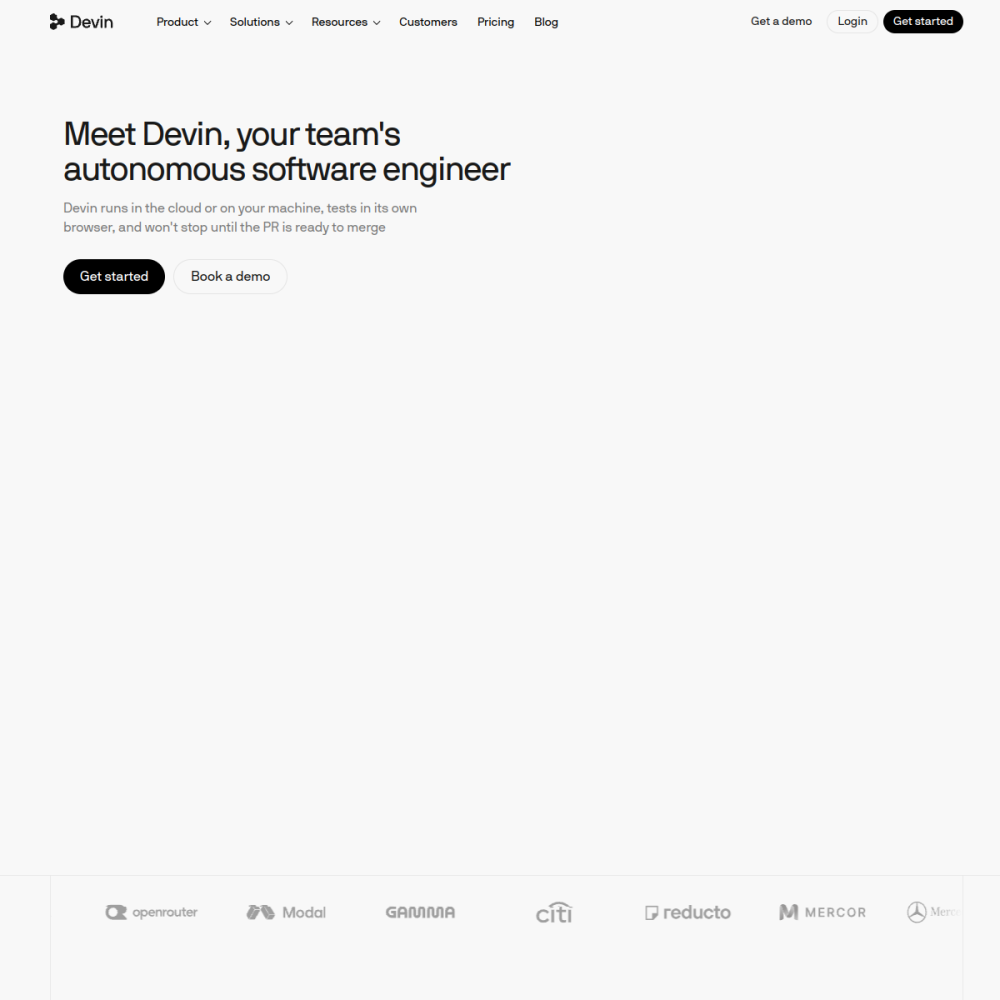
Devin is an autonomous AI software engineer developed by Cognition. Unlike traditional coding assistants that suggest snippets, Devin can independently plan, write, test, and deploy code across a full development workflow.
This page explains what Devin does, who benefits from it, and how to start using it effectively.
Devin is an AI agent designed to operate as a software engineer. It can understand project requirements, navigate codebases, write and edit code, run tests, and fix bugs with minimal human intervention.
Developed by Cognition, Devin was positioned as the first fully autonomous AI software engineer. It works through a terminal-based interface and can handle tasks that typically require a human developer to execute end to end.
Devin can read and understand existing codebases, write new code from natural language instructions, debug errors by running tests and analyzing output, and deploy changes to staging or production environments.
It operates autonomously but can be guided by human input at any point. The agent maintains context across long sessions, allowing it to handle multi-step engineering tasks without losing track of the goal.
Devin is primarily aimed at software teams that want to accelerate development cycles. Engineering managers, technical leads, and individual developers who want to offload repetitive or well-defined coding tasks can benefit.
Startups and small teams with limited engineering headcount may find particular value in Devin's ability to handle tasks that would otherwise require hiring additional developers.
Teams use Devin for writing boilerplate code, implementing new features from specifications, debugging failing test suites, migrating code between frameworks, and generating documentation from existing code.
Another common use case is handling pull requests that are well-scoped and have clear acceptance criteria. Devin can review, modify, and submit changes that meet those criteria without human oversight.
To start using Devin, visit the official website at devin.ai and sign up for access. The platform typically requires a project repository to connect to before the agent can begin working.
Tips for getting the most out of Devin include providing clear, specific task descriptions, breaking complex work into smaller subtasks, and reviewing its output before merging into production. Setting up proper test suites helps Devin validate its own work.
Devin is a commercial product by Cognition. Pricing and access details are available on the official website. Availability may be limited depending on current demand.
Devin handles well-defined coding tasks autonomously but does not replace human judgment for architecture decisions, ambiguous requirements, or complex system design. It works best as a force multiplier for existing teams.
Devin can work with common programming languages including Python, JavaScript, and TypeScript. Its ability to navigate unfamiliar codebases means it can adapt to projects using less common languages as well.
First autonomous general AI agent