Website Preview
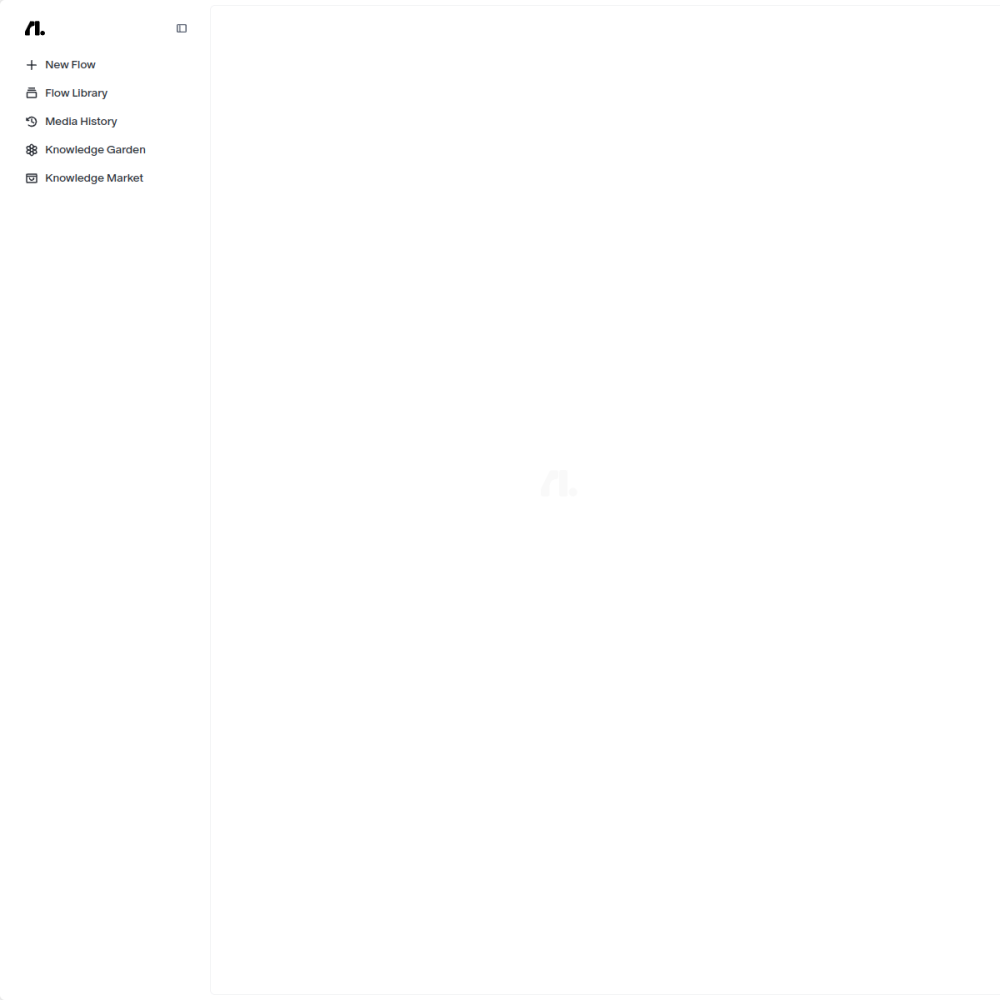
Tool Guide
Flowith operates as a specialized workspace for AI agents. It integrates multiple large language models to provide a unified interface for agent management.
This tool allows users to configure autonomous behaviors without switching between disparate platforms. The focus remains on providing a structured environment for LLM-based workflows.
Flowith is defined as a multi-model AI agent workspace. It serves as a central hub where users can interact with various large language models simultaneously.
The platform is built to handle the complexities of agent deployment. It simplifies the process of connecting different models to specific tasks.
By centralizing these tools, Flowith aims to reduce friction in the development cycle. Users gain a single view of their agent ecosystem.
The primary feature is support for multiple LLM providers. Users can select different models based on their specific performance requirements.
The workspace interface allows for direct configuration of agent parameters. This includes setting goals and defining operational boundaries for the AI.
Monitoring capabilities are integrated into the platform. Users can track agent outputs and adjust settings in real time.
Developers building automation solutions will find this workspace useful. It provides the necessary infrastructure for testing agent logic.
Teams requiring flexible LLM integration can utilize the multi-model support. This avoids vendor lock-in during the experimentation phase.
Researchers testing different agent behaviors also benefit from the structured environment. It allows for controlled comparisons between model outputs.
Users can deploy agents for repetitive task automation. The platform supports workflows that require diverse model capabilities.
Teams use it to prototype agent interactions before full deployment. This reduces risk when introducing autonomous systems.
It is suitable for scenarios requiring specific model strengths. Users can route tasks to the most appropriate LLM available.
Visit the official website to access the workspace interface. Registration may be required to begin configuring agents.
Select your preferred models from the available options within the platform. Ensure you understand the capabilities of each model.
Test agent configurations in a controlled environment before scaling usage. Start with simple tasks to verify performance.
The platform is described as a multi-model workspace, indicating support for various large language models.
Pricing details are not specified in the provided information. Users should check the official website for current plans.
Access the workspace through the provided website link. Follow the onboarding steps to configure your first agent.