Website Preview
Tool Guide
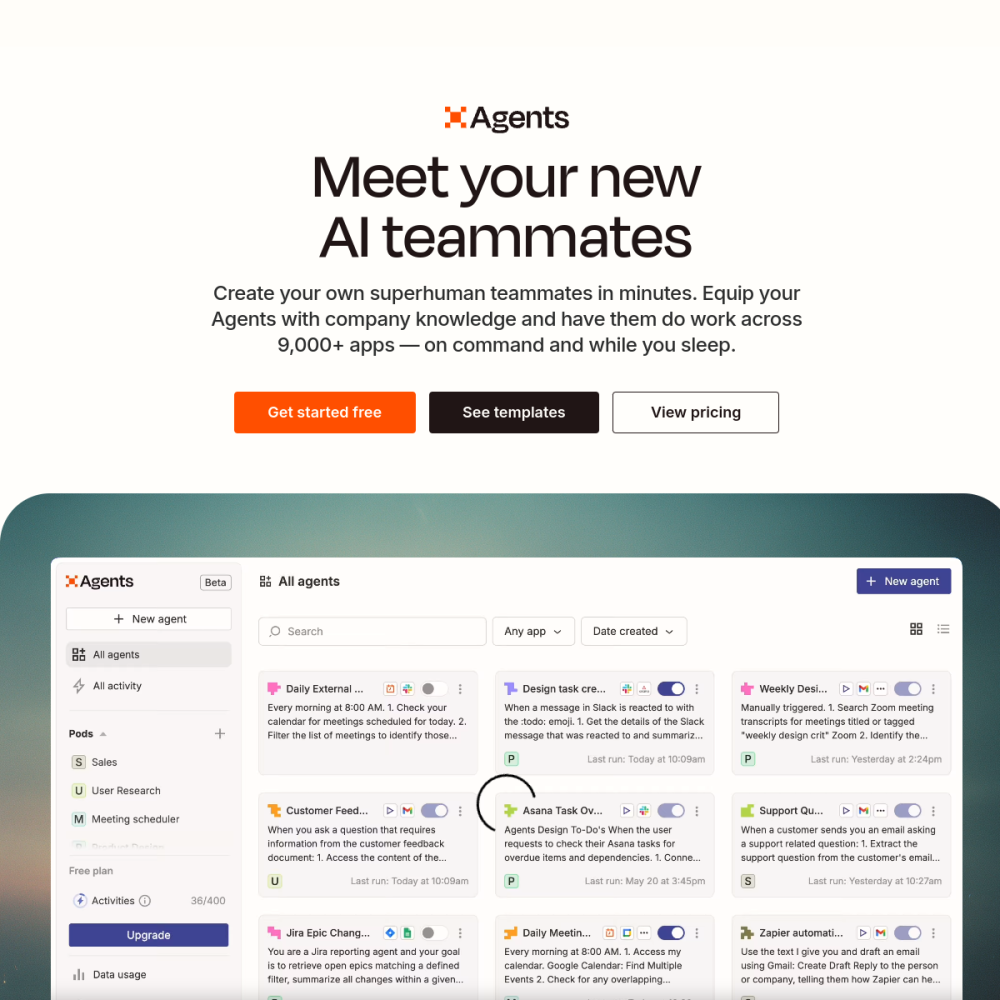
Zapier Central represents a significant shift toward accessible artificial intelligence within modern workflow management systems. It allows users to create sophisticated AI agents and automations without needing extensive programming knowledge or technical background.
This platform integrates with existing tools to streamline tasks through natural language interactions and structured logic. Users can design custom solutions that fit specific business needs while maintaining full control over the automation process and data flow.
Zapier Central is defined primarily as a no-code AI agents and automation platform. It provides a dedicated interface where users can construct intelligent workflows without writing scripts or managing complex infrastructure.
The system focuses on bridging the gap between complex AI capabilities and everyday business operations. By simplifying the creation process, it makes advanced automation available to a broader audience beyond software engineers.
As an agent-focused tool, it enables the creation of virtual workers that can perform specific tasks autonomously. This aligns with the growing demand for AI-driven efficiency in various organizational contexts.
The primary feature is the no-code environment designed specifically for building AI agents. Users can configure logic, actions, and triggers through a visual interface rather than traditional coding methods.
Automation capabilities allow for the connection of various applications and data sources within the ecosystem. This ensures that AI agents can act upon real-time information within your existing tech stack seamlessly.
Centralized management helps users oversee multiple agents and workflows from a single location. This reduces complexity when scaling automation efforts across different departments or business units over time.
This tool is ideal for non-technical users who want to leverage AI without hiring external developers. Small business owners and team leads can implement solutions independently to solve immediate operational challenges.
It also suits operations managers looking to optimize repetitive tasks and reduce manual workload. Anyone responsible for workflow efficiency can benefit from the structured approach provided by the platform.
Organizations seeking to modernize their processes without significant technical debt will find this solution particularly useful. It empowers staff to innovate using AI tools directly within their daily routines.
Common applications include building customer support agents that handle inquiries automatically based on predefined rules. These agents can be trained to respond based on specific documentation or internal knowledge bases.
Internal workflow automation is another frequent use case for teams managing high volumes of data. Teams can create agents to process data, update records, or trigger notifications across connected software tools efficiently.
Marketing and sales teams might use it to automate lead follow-ups or content distribution tasks. The flexibility allows for customization based on the specific requirements of each department within the company.
To begin using Zapier Central, visit the official website and explore the available resources and documentation. Familiarize yourself with the interface before attempting to build complex agents or multi-step workflows.
Start by defining clear goals for what you want the AI to accomplish in your specific context. Testing each step thoroughly ensures that the automation behaves as expected before full deployment to live systems.
Review existing workflows to identify bottlenecks where an AI agent could provide the most value. Prioritizing high-impact tasks will help you maximize the return on investment from your automation efforts.
No, the platform is designed as a no-code solution for building AI agents and automations for all users.
You can automate various workflows, including customer support interactions and internal data processing tasks across apps.
You can access the tool at the official website URL provided in the tool description and documentation.