AppAgent
Multimodal agent operating smartphone apps via UI interaction
Official Preview
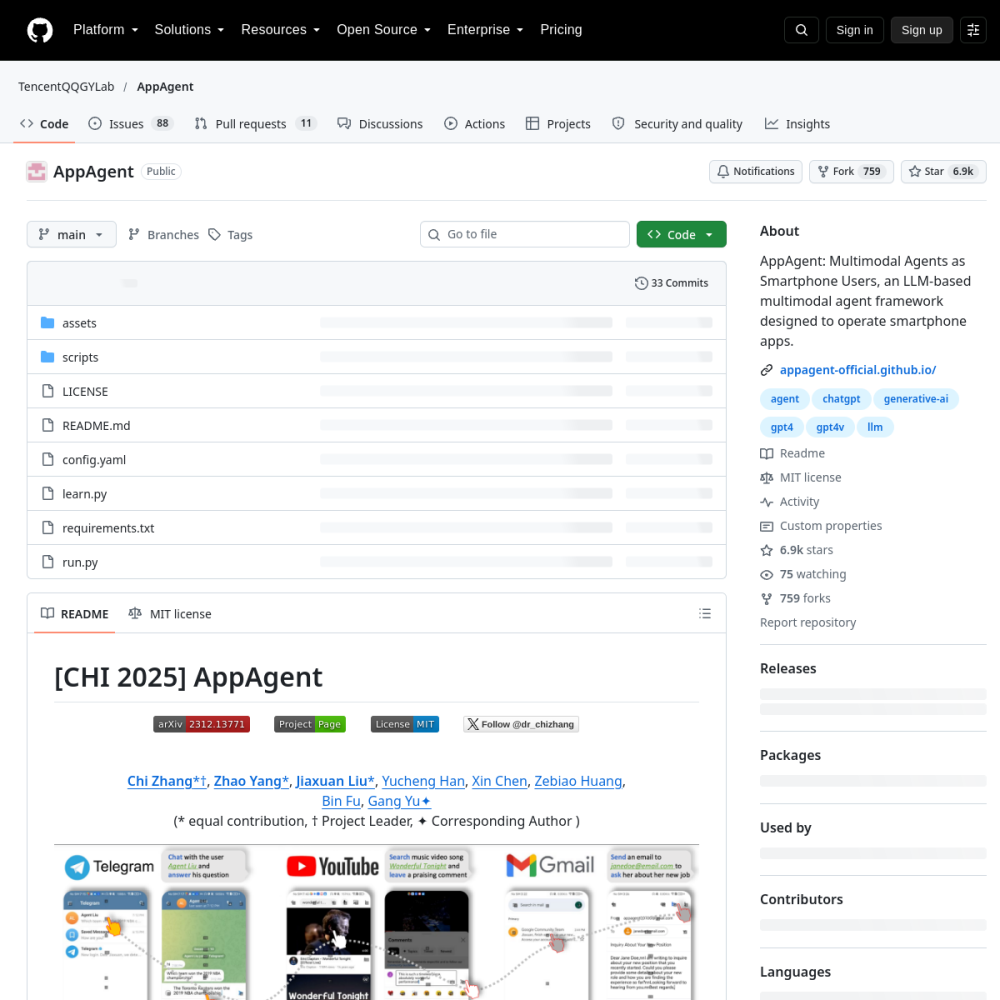
Multimodal agent operating smartphone apps via UI interaction
In-Depth Review
AppAgent is an open-source multimodal AI agent designed to operate smartphone applications through direct UI interaction. Rather than relying on APIs or code-level access, it perceives the screen visually and takes actions—tapping, scrolling, typing—just like a human user would.
This approach makes AppAgent useful for automating tasks across apps that lack developer-friendly interfaces. Below you'll find an overview of what it does, who benefits from it, and how to start using it.
AppAgent is a multimodal AI agent that interacts with smartphone apps by observing the user interface and performing actions such as tapping, swiping, and text entry. It combines visual perception with language understanding to interpret screen content and execute multi-step tasks autonomously.
The project is open-source and hosted on GitHub, making it accessible for researchers and developers who want to explore or extend autonomous mobile interaction capabilities.
AppAgent processes screenshots and UI elements to understand the current app state. It then plans and executes a sequence of actions to accomplish a user-specified goal without manual step-by-step instructions.
Because it operates at the UI level, it can work across different apps without requiring app-specific integrations. Its multimodal design allows it to handle both visual and textual information simultaneously, improving accuracy in complex interfaces.
AppAgent is primarily aimed at researchers, AI developers, and automation engineers exploring autonomous mobile agents. It suits teams investigating how large language models and vision models can collaborate for device-level task completion.
It is also relevant for anyone building cross-app automation workflows who prefer a perception-based approach over brittle API-dependent solutions that break when app interfaces change.
Typical use cases include navigating multi-step app workflows, completing form submissions, managing notifications, and performing repetitive tasks across several applications without writing custom scripts for each one.
Researchers also use it as a testbed for evaluating agent reasoning, planning, and error recovery in realistic mobile environments where screen layouts vary and unexpected states occur.
To get started, clone the repository from GitHub and follow the setup instructions. You will need a compatible device or emulator and the appropriate model dependencies installed before running the agent.
Start with simple single-app tasks to verify the pipeline works end-to-end. Once stable, gradually increase task complexity. Review the action logs to debug misinterpretations of screen state and refine prompts for better results.
No. AppAgent operates at the UI level by observing screenshots and performing simulated user interactions, so it does not need developer APIs or backend access.
The project is designed around UI interaction principles that can apply to both platforms. Check the repository documentation for current platform support details and any setup differences.
AppAgent is primarily a research and development tool. For production deployment, evaluate reliability, latency, and compliance requirements for your specific use case before committing.
First autonomous general AI agent