Website Preview
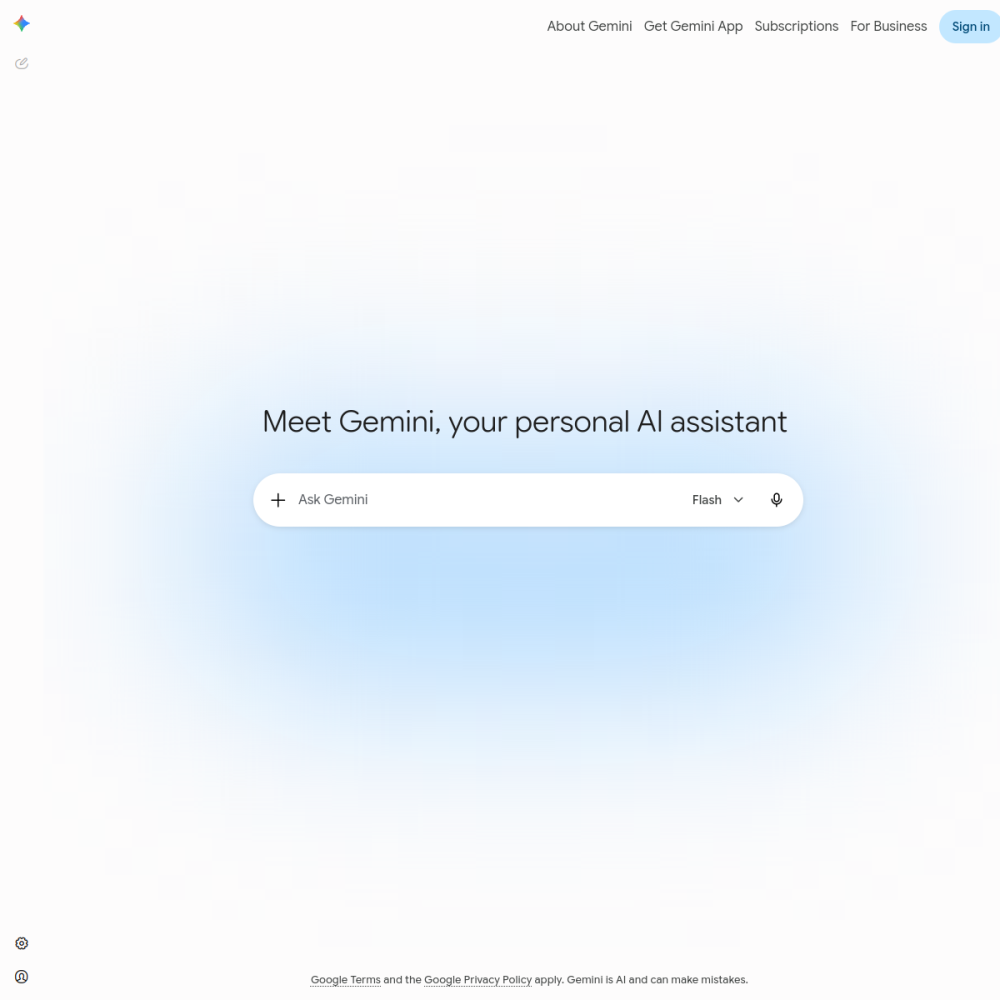
Tool Guide
Gemini is an AI chatbot developed by Google designed to assist users with various tasks through natural language conversation. It integrates Google's technology to provide information and support across different contexts.
This tool aims to simplify complex queries and streamline workflows. Users can access the platform directly through Google's website to begin interacting with the model immediately.
Gemini represents Google's approach to conversational artificial intelligence. It functions as a digital assistant capable of understanding and generating human-like text. The platform is built to handle a wide range of inquiries, from simple questions to more complex problem-solving tasks. Users interact with the system via a web interface hosted at gemini.google.com.
The service operates as a cloud-based solution that processes user input to generate relevant outputs. It relies on Google's underlying infrastructure to manage data and responses securely.
The primary function of this tool is chat-based interaction. It allows users to type prompts and receive generated responses based on the input provided. The interface is designed for accessibility, making it easy to start a conversation without technical setup. Google maintains the backend infrastructure to ensure the service remains available for users seeking assistance.
Users can expect a responsive text-based environment for their queries. The system is optimized to handle diverse topics and request types efficiently.
This chatbot is suitable for individuals looking for a general-purpose AI assistant. Students, professionals, and casual users can utilize the platform for information retrieval and task management. Anyone with internet access and a Google account can typically access the service to explore its capabilities. It serves as a versatile tool for daily digital needs.
The platform is designed to accommodate varying levels of technical expertise. Beginners can use it for basic questions, while experienced users might leverage it for workflows.
Users often employ Gemini for drafting text, summarizing information, and brainstorming ideas. It can help answer factual questions or provide explanations on various topics. The tool is also useful for organizing thoughts or planning schedules through conversational input. These applications demonstrate the flexibility of the chatbot in different scenarios.
Educational and professional contexts frequently utilize the service for research and content creation. It acts as a supplementary resource for gathering information quickly.
To begin using the service, visit the official website at gemini.google.com. Sign in with a Google account to access the chat interface. When using the tool, provide clear and specific prompts to get the most relevant responses. Experimenting with different question styles can help users understand the best ways to interact with the model effectively.
Consistent usage helps users learn how to phrase requests for optimal results. Keeping conversations focused on specific topics often yields better information.
Access details are available on the official Google website.
You can chat, ask questions, and generate text using the AI interface.
Google developed this AI chatbot for public use.