Official Preview
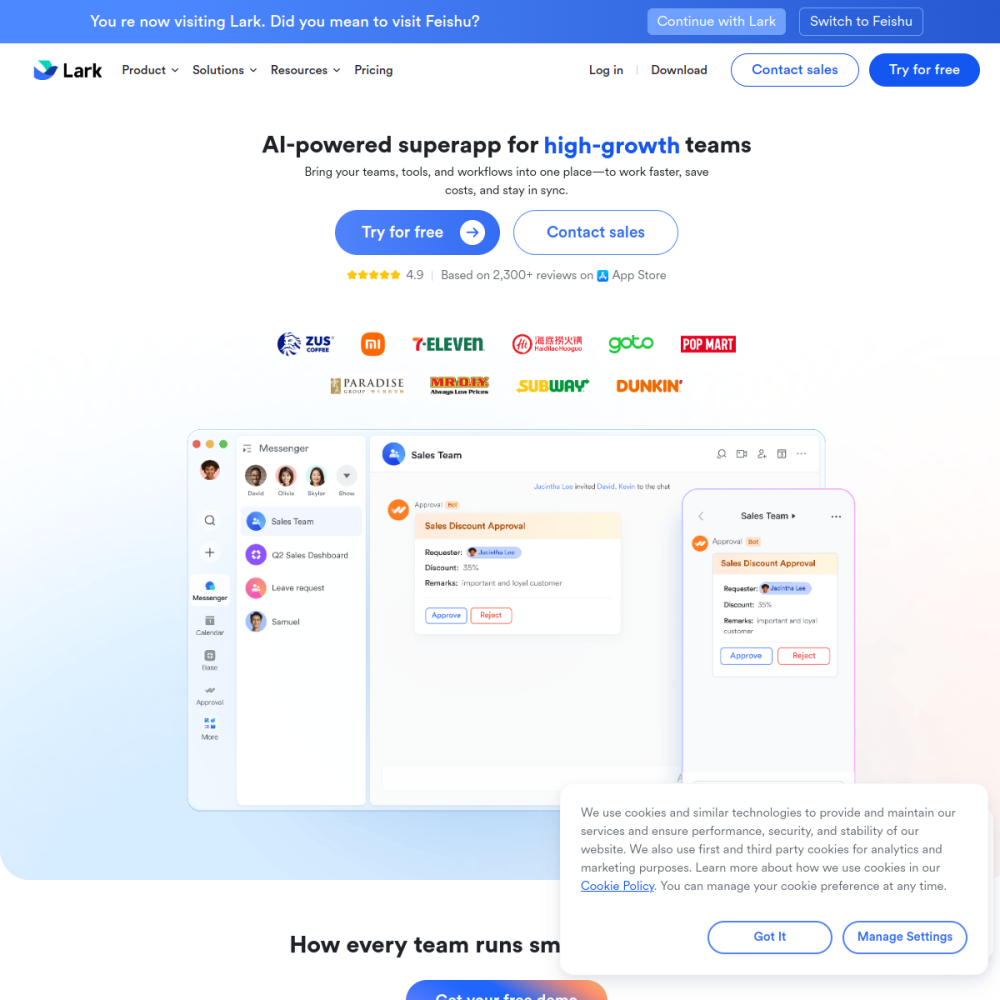
In-Depth Review
飞书智能伙伴 (Feishu Intelligent Partner) is an AI-powered assistant embedded directly within the Feishu/Lark productivity suite. It helps teams draft documents, summarize meetings, automate routine tasks, and surface information across chats, docs, and calendars — all without leaving the workspace.
Whether you manage a growing team or work solo, 飞书智能伙伴 reduces context-switching and turns repetitive office work into a few prompts. This guide explains what it is, who benefits most, and how to get productive with it quickly.
飞书智能伙伴 is the native AI layer inside Feishu (known internationally as Lark). It connects to your messages, documents, spreadsheets, and calendar data to provide contextual assistance. Unlike standalone chatbots, it operates within the same interface where your team already works, pulling from real-time workspace data to generate answers, drafts, and summaries.
The assistant supports multiple modalities — text generation, image understanding, and structured data extraction — making it useful for both creative and analytical tasks.
Core capabilities include AI-powered document drafting, meeting transcription and summarization, smart search across workspace content, automated task suggestions, and natural-language queries against your team's data.
It also integrates with Feishu's bot framework, allowing teams to build custom workflows that trigger on specific events or keywords.
飞书智能伙伴 is designed for knowledge workers, team leads, and operations managers who live inside Feishu daily. It suits startups and mid-size companies that have adopted Feishu as their primary collaboration platform and want to layer AI on top without adding another tool.
Individual contributors benefit from drafting and summarization; managers gain from automated reporting and meeting recaps.
Typical use cases include: summarizing long chat threads into action items, generating first drafts of project documents, extracting key data from meeting recordings, and answering 'where is the latest version of X' questions across the workspace.
Teams also use it to automate status updates, triage incoming requests, and produce weekly recaps from calendar and task data.
To begin, open Feishu and look for the 智能伙伴 entry point in the sidebar or message composer. Sign in with your workspace account and follow the onboarding prompts to grant the assistant access to the data sources you want it to use.
Tips for best results: keep your workspace organized so the AI can find relevant context; use specific, detailed prompts rather than vague ones; and review AI-generated output before sharing it with stakeholders.
Feishu offers basic AI assistant features within its standard plans. Advanced capabilities may require a paid tier or add-on depending on your organization's subscription. Check Feishu's pricing page for current details.
No. 飞书智能伙伴 is tightly integrated into the Feishu/Lark platform and operates within that ecosystem. It is not available as a standalone tool or API for external applications.
Accuracy depends on the clarity of the source material. For well-structured meetings and organized documents, summaries tend to be reliable. Always review AI output before making decisions or sharing externally.
AI presentation & slides generator