Website Preview
Tool Guide
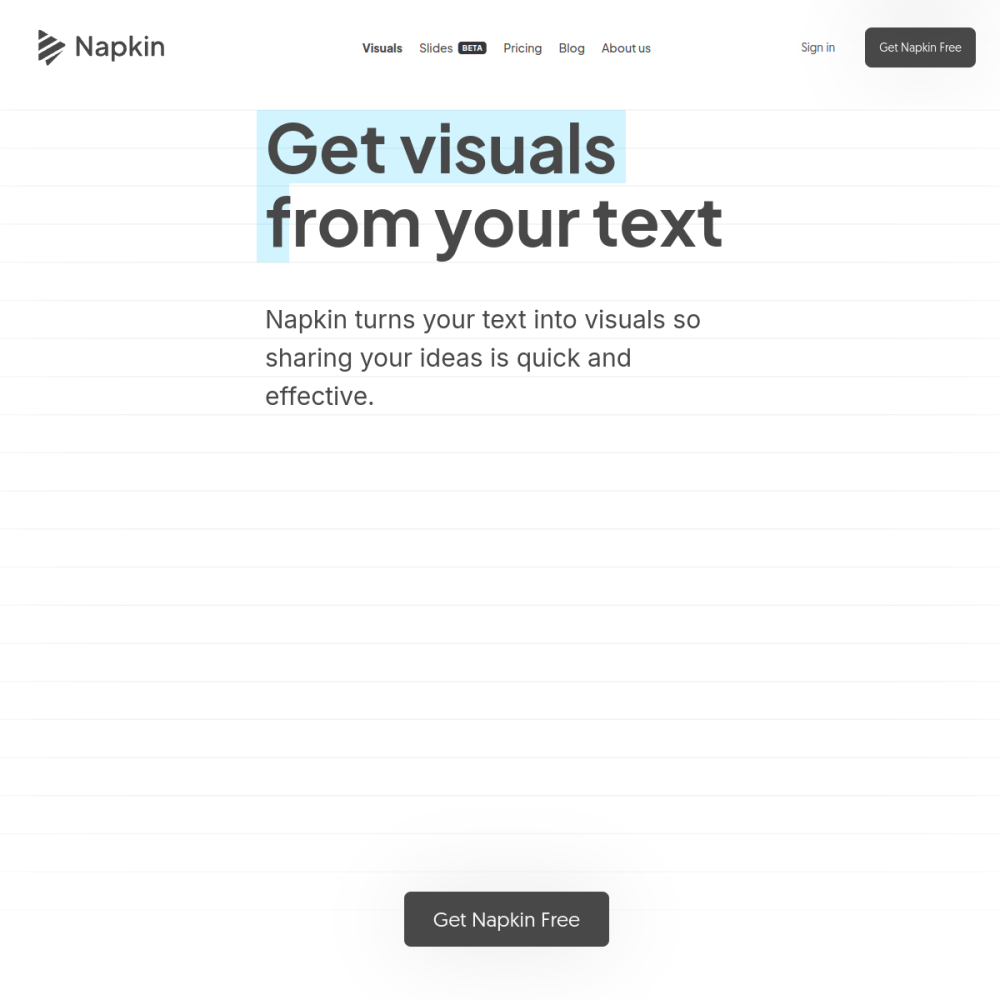
Napkin is an AI-powered office utility designed to transform written text into visual formats quickly. It addresses the common challenge of making dense information more digestible without requiring design expertise.
By automating the creation of diagrams and illustrations, this tool helps users enhance documents and slides. The focus remains on efficiency, allowing professionals to spend less time on formatting and more time on content strategy.
Napkin functions as a text-to-visual generator within the AI office category. Users input standard text, and the system processes it to produce accompanying graphics.
This approach simplifies the workflow for creating explanatory materials. It removes the need for manual drawing or complex design software when the goal is simply to visualize concepts.
The platform operates online, making it accessible for immediate use during document creation or presentation preparation.
The primary feature is the ability to convert paragraphs into sketches or diagrams. This ensures that visual elements align directly with the written context.
It fits into standard office workflows, reducing friction when moving from drafting to finalizing materials. This ensures consistency across team projects.
Speed is a core component, enabling rapid iteration on visual ideas without lengthy design processes.
Professionals who frequently create reports or presentations benefit most from this tool. It serves writers, educators, and business analysts who need to explain complex ideas clearly.
Teams looking to standardize visual communication can also utilize Napkin. It provides a consistent method for generating aids across different projects.
Individuals without design backgrounds find it particularly useful for adding polish to their work without hiring external designers.
Creating visual aids for business presentations is a primary application. Charts and sketches help audiences retain information better than text alone.
Educators use it to generate diagrams for lesson plans or study guides. This makes abstract concepts more concrete for students and improves learning outcomes.
Content creators incorporate visuals into blog posts or internal documentation to improve readability and engagement.
To begin, visit the official website and input your text content. The system will generate initial visual suggestions based on the input.
Review the generated options and select the style that best fits your document. Minor adjustments can be made to ensure alignment with your brand or message.
For best results, keep input text concise. Clear prompts lead to more accurate and useful visual outputs.
It turns written text into diagrams, sketches, and illustrations suitable for office documents.
No, the tool is designed for users without design backgrounds to create visuals automatically.
You can access the tool online at the official website provided in the tool directory.