Official Preview
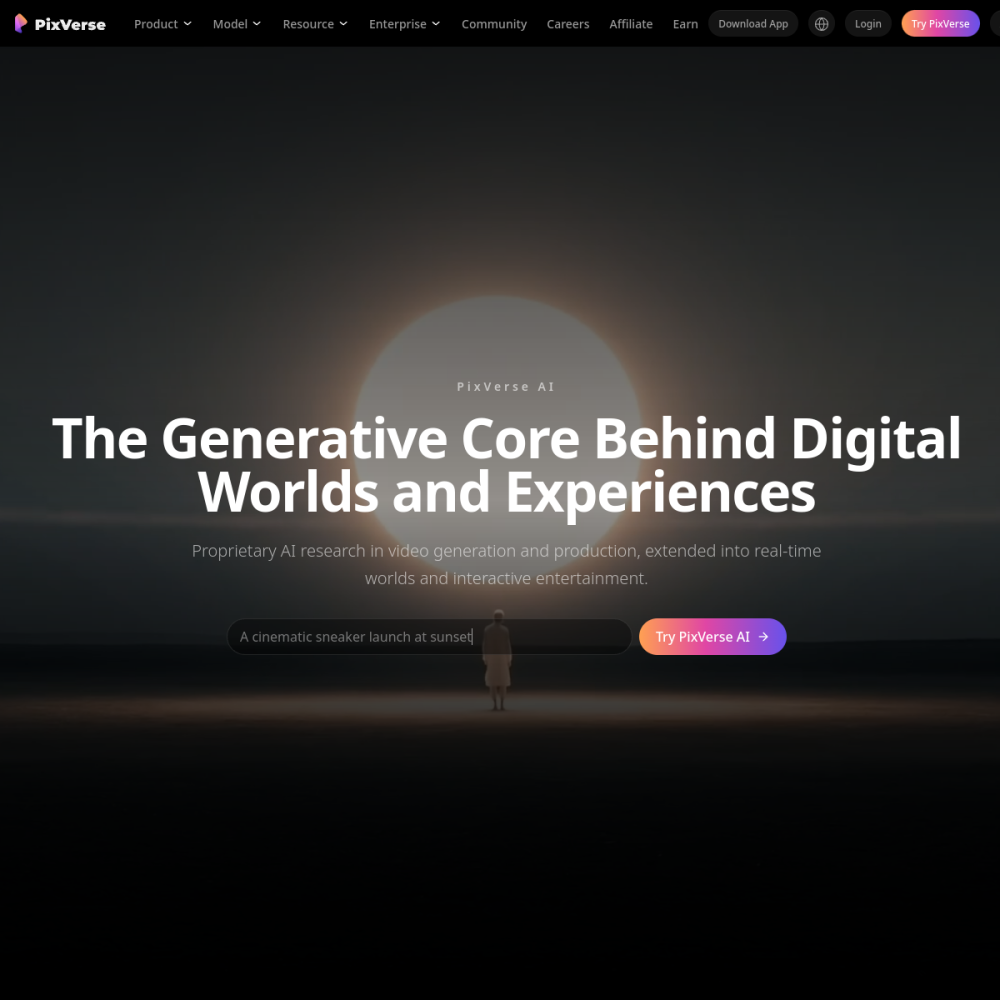
In-Depth Review
PixVerse is a high-definition AI video generator that lets creators produce cinematic clips with multi-camera control. Instead of relying on a single static viewpoint, users can direct camera angles, movement, and framing to shape the final output. This makes PixVerse a practical tool for anyone who wants AI-generated video without sacrificing creative direction.
Whether you are a content creator, marketer, or filmmaker exploring AI-assisted workflows, PixVerse offers a streamlined path from text prompt to finished video. Below you will find a clear breakdown of what PixVerse is, who benefits most from it, and how to get started.
PixVerse is an AI-powered video generation platform that converts text prompts or reference images into high-definition video clips. Its distinguishing feature is multi-camera control, which allows users to specify camera angles, movements, and transitions rather than accepting a single default viewpoint. This gives creators more cinematic control over AI-generated footage.
The tool is designed to lower the barrier between a creative idea and a polished video output. Users describe their scene in natural language, select camera parameters, and the platform generates the video. The result is a workflow that combines the speed of AI with the directional control of traditional cinematography.
PixVerse centers on several core capabilities. High-definition output ensures generated clips are suitable for social media, presentations, and short-form content. Multi-camera control lets users direct pans, tilts, zooms, and angle changes across a single scene. Text-to-video generation means you can start from a written prompt alone, while image-to-video workflows let you animate existing stills.
The platform also supports scene composition, where multiple elements and subjects can be placed within a frame. This makes it useful for storytelling, product showcases, and concept visualization without requiring live-action footage or complex editing.
PixVerse is built for creators who need fast, visually compelling video without a full production crew. Social media managers, digital marketers, and content creators can use it to produce scroll-stopping clips for campaigns and organic posts. Independent filmmakers and storytellers can leverage it for concept previews, mood reels, and pitch materials.
Educators and trainers also benefit, as PixVerse can generate illustrative video segments for lessons and tutorials. Anyone comfortable with prompting and basic visual direction can produce professional-looking results, making it accessible to non-technical users as well.
Common use cases include social media content creation, where short-form videos drive engagement and brand awareness. Marketers use PixVerse to generate ad concepts and product demos quickly, iterating on visual ideas before committing to a full production. Filmmakers and animators use it for previsualization, testing camera movements and scene compositions before principal photography.
Educators create explainer videos and visual aids, while game developers produce concept trailers and environment previews. The multi-camera control feature is especially valuable when a single scene needs to convey spatial relationships or dramatic perspective shifts.
To get started with PixVerse, visit the website and create an account. Begin by writing a clear, detailed text prompt that describes your scene, subjects, lighting, and mood. Then select camera parameters such as angle, movement type, and framing. Generate the video and review the output before refining your prompt or adjusting settings.
For better results, be specific in your prompts—mention camera style, subject placement, and desired atmosphere. Experiment with different camera controls to find the look you want. Generate multiple variations and compare them, as AI video tools can produce different interpretations from similar prompts. Save your best outputs and iterate from there.
PixVerse is a high-definition AI video generator that turns text prompts or images into video clips. Its standout feature is multi-camera control, letting users direct camera angles, movements, and framing for more cinematic results.
PixVerse offers a free tier with limited generations, allowing users to test the platform before committing. Paid plans unlock higher resolution, more generations, and advanced features. Check the official website for current pricing details.
Sign up on the PixVerse website, write a detailed text prompt describing your scene, select camera controls such as angle and movement, then generate the video. Review the output and refine your prompt or settings for better results.
AI video tool with pro camera moves
All-in-one AI film production & storyboard creation suite
Luma AI text-to-video & image generation
OpenAI's text-to-video model