Website Preview
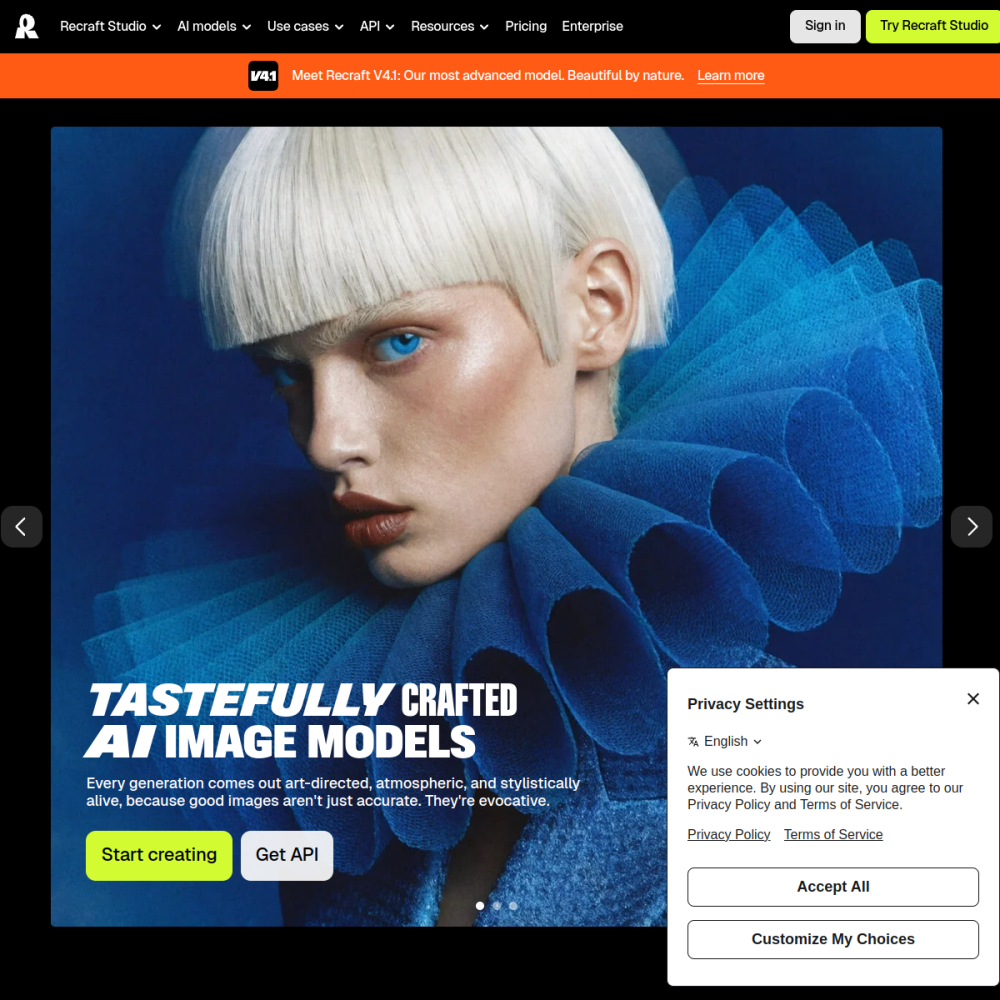
Tool Guide
Recraft is an AI image generation platform focused on creating high-quality vector art, icons, and illustrations. Unlike standard raster-based generators, it specializes in scalable graphics suitable for professional design workflows. This distinction makes it valuable for tasks requiring precision and scalability.
This tool allows users to generate consistent visual assets without needing advanced drawing skills. It serves as a practical solution for creators seeking editable, scalable imagery for various projects. Users can focus on concept development rather than technical drawing execution.
Recraft functions as a specialized AI image tool designed specifically for vector graphics. While many generative models produce pixel-based images, this platform prioritizes scalable formats essential for print and web design.
It bridges the gap between generative AI and professional graphic design requirements. The platform focuses on delivering clean lines and structured compositions that remain sharp at any size.
This approach ensures files are ready for integration into existing design workflows.
The primary feature is the ability to generate high-quality vector art directly from text prompts. Users can create distinct icons and illustrations that maintain consistency across a set.
The tool supports various artistic styles suitable for branding and interface design. It emphasizes usability for designers who need specific formats rather than generic photorealistic images.
Consistency is key when building a cohesive visual library for a project.
This tool is ideal for graphic designers looking to speed up asset creation. Marketing teams can use it to produce unique visuals for campaigns without hiring external illustrators.
Content creators benefit from generating custom icons for presentations or social media graphics. It is particularly useful for anyone needing scalable graphics that standard photo generators cannot provide.
Small businesses can also leverage it to build brand assets affordably.
Common applications include creating logo concepts and brand identity elements. Designers use it for web interface icons and user experience illustrations.
It is also effective for generating educational diagrams or infographic elements. Businesses utilize the platform to produce consistent visual language across their digital properties.
Print materials also benefit from the scalable nature of the generated vector files.
To begin, users access the platform and input descriptive text prompts defining the desired vector style. Selecting the appropriate category, such as icons or illustrations, helps refine the output.
Experimenting with different style parameters ensures the results match the project requirements. Saving preferred settings allows for consistent generation across multiple assets.
Iterating on prompts helps achieve the precise look needed for final delivery.
Yes, it generates vector art suitable for scalable design projects and branding assets.
It specializes in high-quality vector art, icons, and illustrations rather than photorealistic images.
No, the tool is designed for users to generate assets through text prompts without advanced drawing abilities.