Website Preview
Tool Guide
Remove.bg is an online utility designed to simplify image editing tasks through artificial intelligence. The platform specializes in isolating subjects from their original backgrounds, allowing users to generate transparent or custom background images instantly. This capability is essential for modern digital workflows.
This tool addresses a common need in digital content creation where clean, professional images are required without extensive manual editing skills. By automating the removal process, the service streamlines workflows for various online projects and saves significant time for creators.
Remove.bg functions as a dedicated AI image tool focused on background elimination. Users upload a photograph, and the system processes the visual data to distinguish the foreground subject from the surrounding environment. The result is an image with the background removed, ready for further customization.
The service operates primarily through a web interface, making it accessible without software installation. It relies on trained algorithms to detect edges and details, ensuring the subject remains intact while the background is stripped away.
The primary feature is one-click AI background removal. This means users do not need to manually select pixels or use complex masking tools. The automation handles the heavy lifting, reducing the time required to prepare images for publication.
Additionally, the tool supports various image formats commonly used in digital media. It provides a straightforward workflow where the processing happens server-side, allowing users to download the edited result immediately after the AI completes its analysis.
This tool is suitable for individuals and businesses that require frequent image editing. Photographers, graphic designers, and marketing teams often use such utilities to prepare assets for campaigns. It removes the barrier of needing advanced software knowledge.
Small business owners also benefit from this service when creating product listings. Anyone needing to present images on a clean background without hiring a professional editor can utilize this platform to achieve consistent results.
E-commerce platforms frequently use background removal to standardize product photos. Removing distracting backgrounds helps customers focus on the item being sold. This creates a uniform look across online stores and marketplaces.
Social media managers also utilize the tool for creating engaging graphics. By isolating subjects, they can place people or objects into new contexts or overlay them on branded backgrounds. This flexibility supports diverse content strategies.
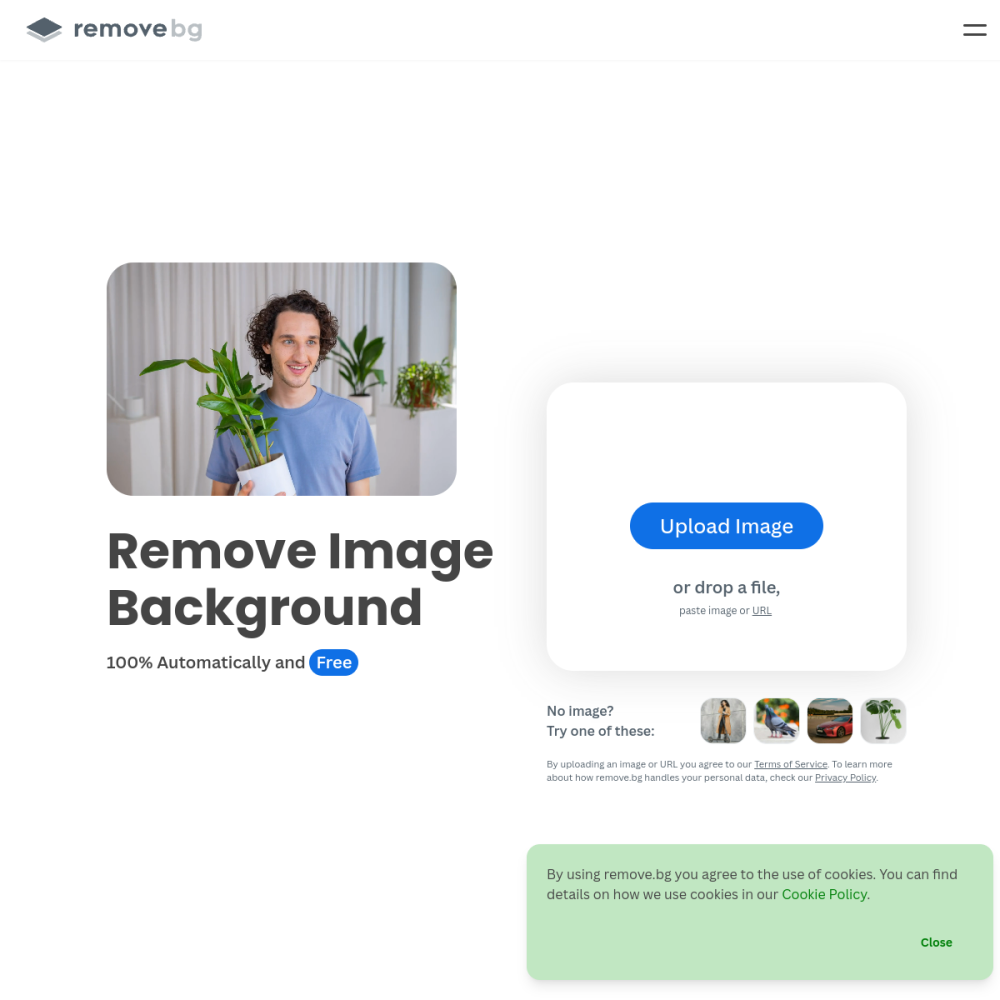
To use Remove.bg, visit the official website and upload your image file directly to the browser. The system will automatically process the file and display the result within seconds. Users can then download the edited image or adjust the background color if needed.
For best results, ensure the original photo has good lighting and clear subject definition. High-resolution images typically yield cleaner edges during the AI processing stage. Keep the subject well-separated from the background in the source file for optimal performance and accuracy.
It is an AI-powered tool designed specifically for removing backgrounds from images automatically without manual selection.
It is for users needing quick image editing without manual software skills, including designers and business owners.
Upload an image to the website, wait for the AI processing to finish, and download the final result.