Official Preview
In-Depth Review
Clipdrop is an AI-powered image editing suite that automates tasks like relighting, background removal, cleanup, and uncropping. Instead of manual retouching, you upload a photo and let machine learning handle the heavy lifting.
Whether you're a content creator, e-commerce seller, or marketer, Clipdrop streamlines image preparation so you can focus on design and storytelling rather than pixel-level adjustments.
Clipdrop is a browser-based AI image editing platform that bundles several specialized tools into one workspace. Each tool uses computer vision models trained on large datasets to perform edits that traditionally required Photoshop expertise and hours of manual work.
The platform covers the full image prep pipeline: removing backgrounds, relighting subjects, cleaning up unwanted elements, and expanding cropped images with AI-generated content. Everything runs through cloud processing, so there's no local software to manage.
Relighting lets you change the direction, intensity, and color of light on a subject without reshooting. Cleanup removes objects, people, or artifacts from a scene using generative fill that blends seamlessly with the surrounding area.
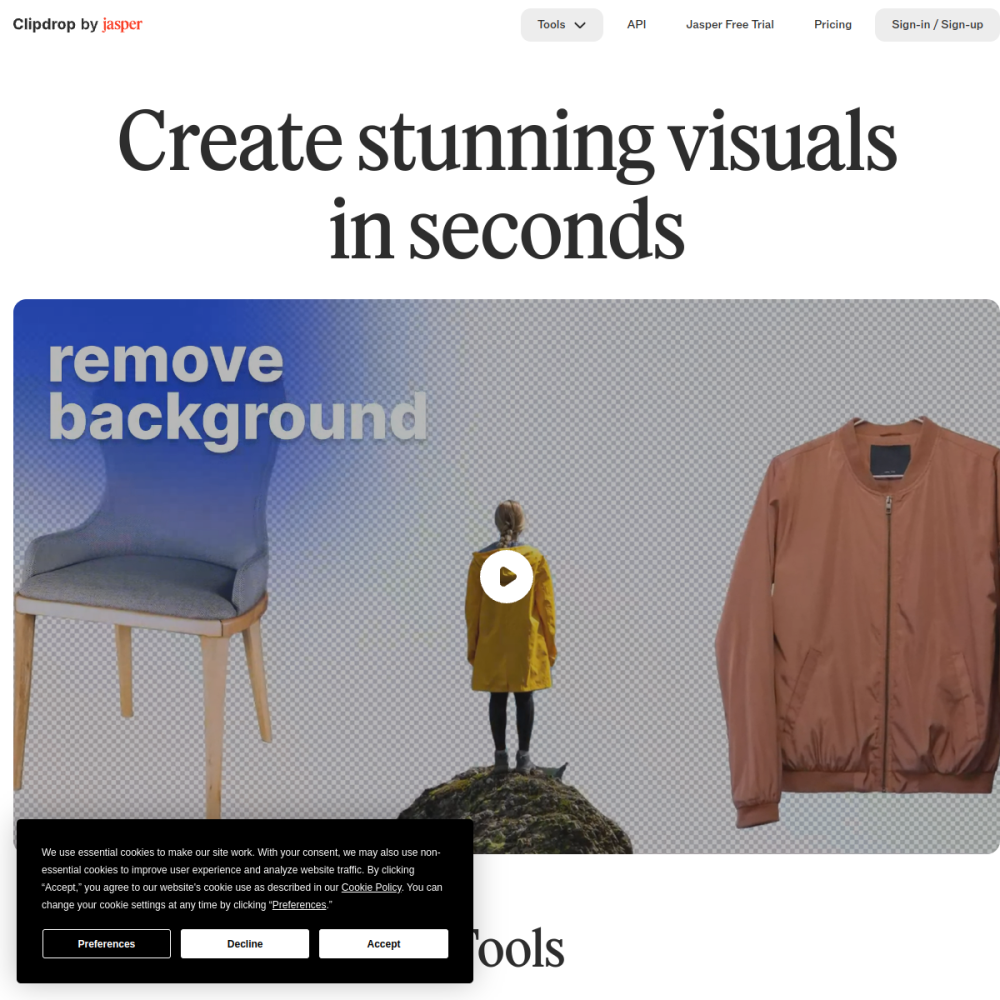
Background removal extracts subjects with clean edges suitable for compositing, while the uncrop tool extends image borders by generating plausible surrounding content. All tools operate directly in the browser with no software installation required.
Content creators and social media managers benefit from quick background removal and relighting to produce consistent visuals across platforms. E-commerce sellers use cleanup and background tools to standardize product photography without a studio setup.
Marketers, designers, and photographers who need fast turnaround on image assets also find value in the workflow. The toolset suits anyone who wants professional results without deep photo-editing knowledge or expensive software subscriptions.
E-commerce product shots often need clean, uniform backgrounds. Clipdrop's background removal and relighting tools let sellers create catalog-ready images from phone photos taken in any environment, saving on studio costs.
Social media content creators use cleanup to remove distractions and uncrop to adapt images for different aspect ratios without losing important content. Event photographers can relight underexposed shots to match a brand's visual style consistently.
Visit clipdrop.co and choose the tool that matches your task. Upload an image, adjust parameters if available, and download the result. Most tools produce output in seconds, making them ideal for batch workflows.
For best results, start with well-lit, high-resolution source images. When using relighting, experiment with multiple light directions to find the most natural look. For cleanup, mask the unwanted area precisely to avoid affecting surrounding details.
Clipdrop offers a free tier with limited usage. A paid subscription unlocks higher resolution exports, more edits, and access to all tools without restrictions.
No. Clipdrop runs entirely in the browser. You upload images and receive edited outputs without installing any desktop application.
Yes. Clipdrop supports commercial use for licensed plans. Always review the current terms of service on the official website for specific licensing details.
StabilityAI's text-to-image model
High-res AI upscaler & enhancer with hallucinations
AI image platform for game & concept art
AI image & illustration generator