Official Preview
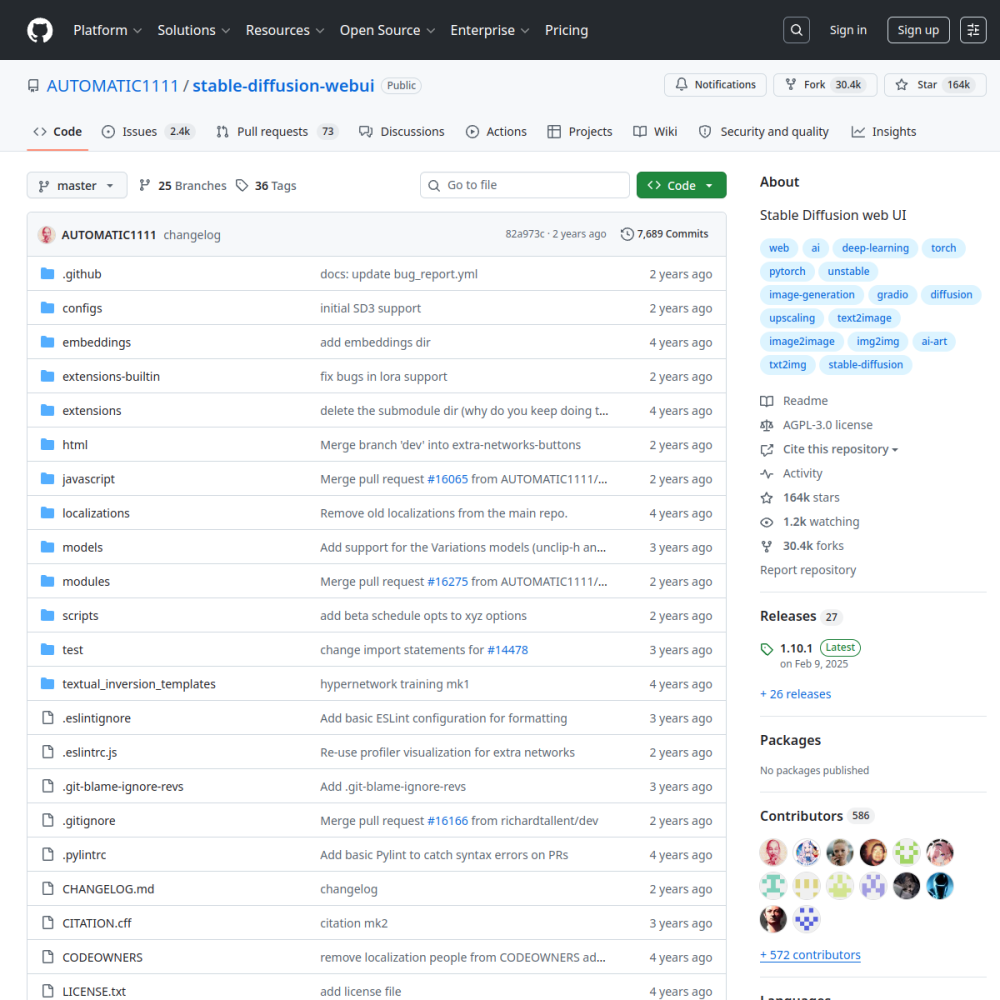
| Repository | AUTOMATIC1111/stable-diffusion-webui |
|---|---|
| GitHub Stars | ★ 165.2k |
| Forks | 32.1k forks |
| Primary Language | Python |
| License | AGPL-3.0 |
| Technical Domain | MULTIMODAL |
$ git clone https://github.com/AUTOMATIC1111/stable-diffusion-webui.git && cd stable-diffusion-webui
# Stable Diffusion web UI
A web interface for Stable Diffusion, implemented using Gradio library.

## Features
Detailed feature showcase with images:
- Original txt2img and img2img modes
- One click install and run script (but you still must install python and git)
- Outpainting
- Inpainting
- Color Sketch
- Prompt Matrix
- Stable Diffusion Upscale
- Attention, specify parts of text that t
The stable-diffusion-webui project provides a comprehensive web interface for the Stable Diffusion model, implemented using the Gradio library. It was developed to make advanced text-to-image and image-to-image generation accessible to users who may not have extensive programming experience.
Built primarily in Python and leveraging PyTorch, this tool addresses the complexity often associated with running local diffusion models. By wrapping the underlying model logic in a user-friendly web application, it lowers the barrier to entry for experimenting with AI art generation.
Artists and designers utilize this interface for rapid prototyping and concept art generation through its original txt2img and img2img modes. The platform supports detailed control over generation parameters, allowing users to refine outputs without needing to write custom scripts.
Advanced editing tasks are handled through features like inpainting and outpainting, which enable users to modify specific regions of existing images or expand canvas boundaries. Additional tools such as Color Sketch and Prompt Matrix facilitate creative exploration and batch testing of different prompt variations.
Content creators also benefit from the Stable Diffusion Upscale functionality, which improves the resolution of generated images for higher quality outputs. The attention mechanism allows for precise specification of text parts, ensuring that complex prompts are interpreted accurately during the generation process.
Getting started requires installing Python and Git on the local machine before executing the provided installation script. The project includes a one-click install and run script designed to automate the setup process for most standard environments.
Once the dependencies are satisfied, users can launch the web interface directly from the command line. The application serves a local web server, allowing access to the generation tools through a standard browser window without external hosting.
Configuration involves selecting the desired model checkpoints and adjusting generation settings within the web UI. Users can begin generating images immediately after the initial setup completes, with options to customize the interface based on specific workflow needs.
The project demonstrates strong functionality and ease of use, reflected in its consistent 4.0 out of 5 ratings across functionality, documentation, activity, and ease of use. This indicates a reliable tool for local deployment that balances feature richness with user accessibility.
While the interface is robust, users should be aware that it relies on local hardware capabilities for model inference. The AGPL-3.0 license ensures open availability, but production integration may require careful consideration of licensing terms and hardware resource requirements.
This interface is commonly adopted by individual creators and small studios for local image generation workflows. It serves as a foundational tool for developers building custom applications on top of Stable Diffusion models.
Integration scenarios often involve using the web UI as a testing ground before deploying models into larger pipelines. The extensive feature set makes it suitable for educational purposes and personal experimentation with diffusion model parameters.
stable-diffusion-webui is an open-source AI project developed primarily in Python under the AGPL-3.0 license. Stable Diffusion web UI. The stable-diffusion-webui project provides a comprehensive web interface for the Stable Diffusion model, implemented using the Gradio library. It was developed to make advanced text-to-image and image-to-image generation accessible to users who may not have extensive programming experience. Built primarily in Python and leveraging PyTorch, this tool addresses the complexity often associated with running local diffusion models. By wrapping the underlying model logic in a user-friendly web application, it lowers the barrier to entry for experimenting with AI art generation.
Getting started requires installing Python and Git on the local machine before executing the provided installation script. The project includes a one-click install and run script designed to automate the setup process for most standard environments. Once the dependencies are satisfied, users can launch the web interface directly from the command line. The application serves a local web server, allowing access to the generation tools through a standard browser window without external hosting. Configuration involves selecting the desired model checkpoints and adjusting generation settings within the web UI. Users can begin generating images immediately after the initial setup completes, with options to customize the interface based on specific workflow needs.
stable-diffusion-webui is well-suited for . With an overall rating of 4.0/5, it offers strong community activity, reliable performance, and easy integration with existing AI pipelines.
The project demonstrates strong functionality and ease of use, reflected in its consistent 4.0 out of 5 ratings across functionality, documentation, activity, and ease of use. This indicates a reliable tool for local deployment that balances feature richness with user accessibility. While the interface is robust, users should be aware that it relies on local hardware capabilities for model inference. The AGPL-3.0 license ensures open availability, but production integration may require careful consideration of licensing terms and hardware resource requirements.
Minimal tool for running large language models locally