Website Preview
Tool Guide
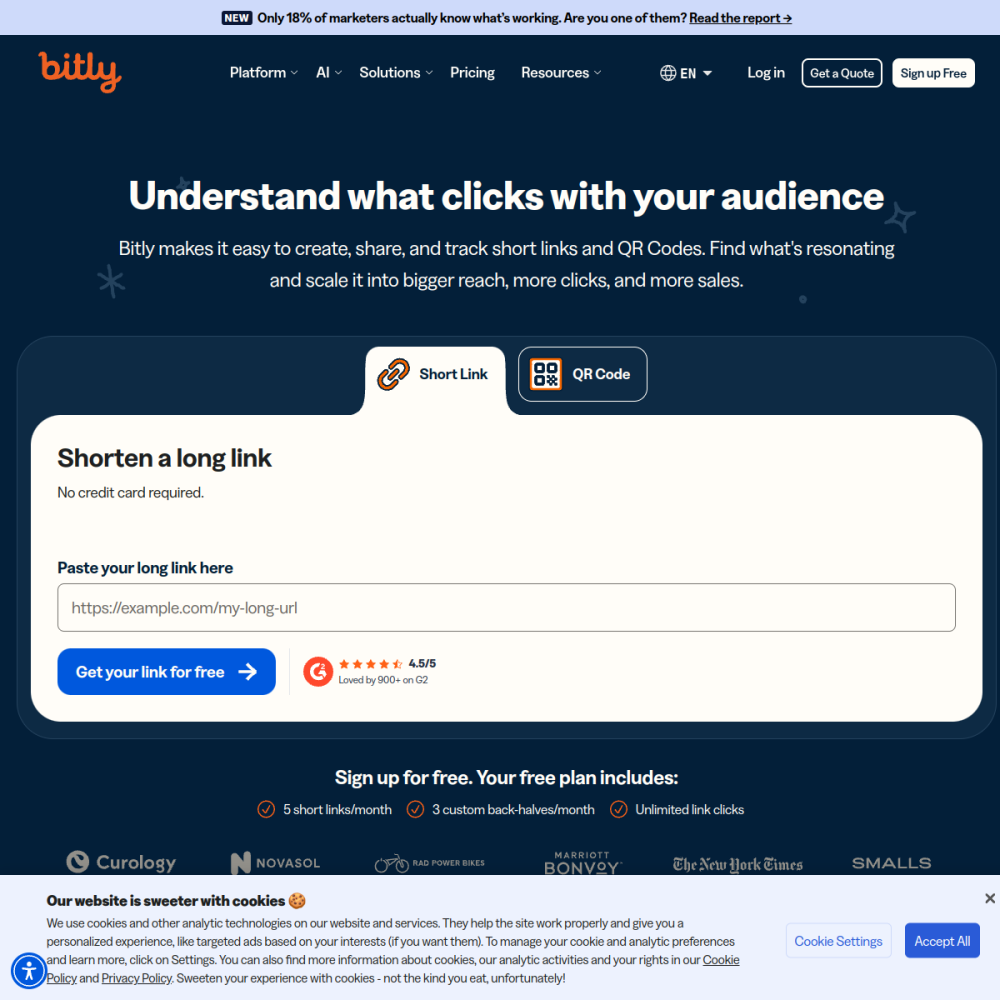
Bitly is a widely recognized link management and URL shortener platform. It allows users to create custom, branded links that are easier to share and track across various digital channels.
For individuals running a side hustle, organizing links is essential for maintaining a professional presence. This tool provides the infrastructure needed to monitor click performance and manage long URLs efficiently.
Bitly functions primarily as a URL shortening service. It takes long, complex web addresses and converts them into concise links. This makes sharing content on social media or in emails much cleaner.
Beyond shortening, the platform serves as a central hub for link management. Users can organize links into folders, edit destinations without changing the short link, and access analytics on how those links perform.
The service is designed to streamline digital communication. By reducing clutter and providing data, it helps users understand which content resonates most with their audience.
Custom branding is a core feature of the platform. Users can often configure their own domain or use branded backticks to ensure links look professional and trustworthy.
Analytics provide insight into click-through rates. The dashboard shows where clicks are coming from, helping users gauge the effectiveness of their marketing efforts.
Link editing allows for flexibility. If a destination URL changes, the short link remains valid, ensuring no broken links disrupt the user experience.
This tool is ideal for entrepreneurs and freelancers managing multiple online projects. Anyone needing to share links frequently will benefit from the organization provided by the platform.
Marketing professionals also use Bitly to track campaign performance. It fits well within workflows that require precise measurement of traffic sources and user engagement.
Small business owners looking to maintain a cohesive brand image across social media profiles find this utility valuable for keeping their online footprint consistent.
Social media managers use Bitly to shorten links for posts where character limits exist. This ensures the full URL fits within the post without looking messy.
Email marketers include shortened links in newsletters to track open rates and click behavior. This data informs future content strategies and subject line testing.
Side hustlers use it to organize affiliate links or product pages. Keeping these links manageable helps in scaling the business without losing track of performance metrics.
To begin, visit the official website and create an account. Choose a plan that fits your volume of links and required analytics depth.
Start by creating your first short link. Paste your long URL into the editor and customize the alias if possible for better brand recognition.
Regularly review your analytics dashboard. Understanding which links drive the most traffic allows you to refine your side hustle strategies over time.
Bitly offers free plans with limited features, alongside paid subscriptions for advanced analytics and branding options.
Yes, most plans allow you to change the destination URL of a short link without changing the short link itself.
Yes, the tool is suitable for personal projects, freelancers, and small businesses needing link management capabilities.