Website Preview
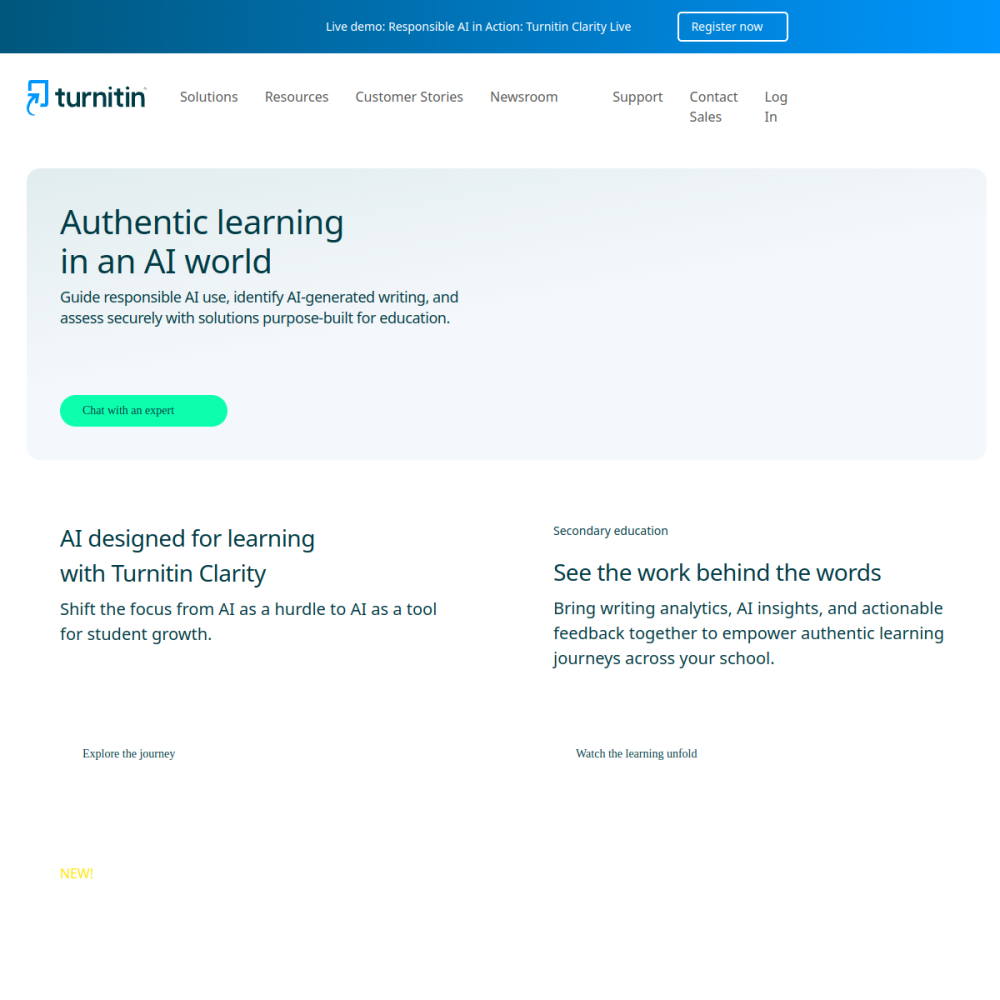
Tool Guide
Turnitin serves as a widely used academic AI writing detection platform designed to support educational integrity within schools and universities. It helps institutions identify potential issues in submitted work through automated analysis and comparison against existing databases.
Turnitin is integrated into many learning management systems, allowing educators to review submissions efficiently without disrupting the grading workflow. Understanding its capabilities helps users navigate the platform for better academic outcomes and clearer communication regarding submission policies.
Turnitin is a software platform focused on detecting plagiarism and AI-generated text in academic submissions. It compares submitted documents against a vast database of sources to identify matches and potential overlaps. The system provides detailed reports that highlight similarities and potential AI usage for reviewer consideration.
This platform operates by analyzing text patterns and comparing them against internet sources, academic publications, and previous student submissions. It functions as a support mechanism for educators rather than an automatic judge of academic misconduct.
The platform offers similarity checking to find overlapping text across web pages and student papers stored in its repository. It includes AI writing detection capabilities to flag content potentially generated by artificial intelligence tools. Educators receive detailed reports to assist in their evaluation process and decision-making.
Additional features include feedback studios where instructors can leave comments directly on the document. The system supports multiple file formats, ensuring compatibility with various assignment types.
Turnitin is primarily designed for higher education institutions, K-12 schools, and educators managing student coursework. It supports instructors who need to verify the originality of student work before assigning grades. Administrators also use the tool to maintain institutional standards regarding academic honesty and policy enforcement.
The platform serves both teachers and students by providing a clear framework for submission expectations. Students benefit from early feedback on their writing originality before final submission.
Schools use the tool for grading assignments and ensuring compliance with academic policies across different departments. Instructors review similarity reports before finalizing grades to address potential integrity concerns directly with students. It is also used for thesis and dissertation submissions in university settings where originality is critical.
Departments often utilize the data to track trends in submission quality and integrity over time. The tool helps manage large volumes of papers during peak submission periods.
Users typically access Turnitin through their institution's learning management system or a dedicated portal. Educators should configure submission settings carefully to align with course policies and privacy requirements. Reviewing reports promptly ensures timely feedback for students regarding their work and any necessary revisions.
Institutions often provide training resources to help staff interpret the data correctly. It is important to use the tool as part of a broader educational strategy rather than solely for punishment.
Access usually depends on the institution's subscription model. Students often access it through their school's portal rather than purchasing individual licenses directly.
Yes, the platform includes features designed to identify text that may have been generated by AI tools. It provides indicators to help educators assess the likelihood of AI involvement.
You typically log in through your educational institution's website or learning management system using your provided credentials. Contact your instructor if you encounter access issues.