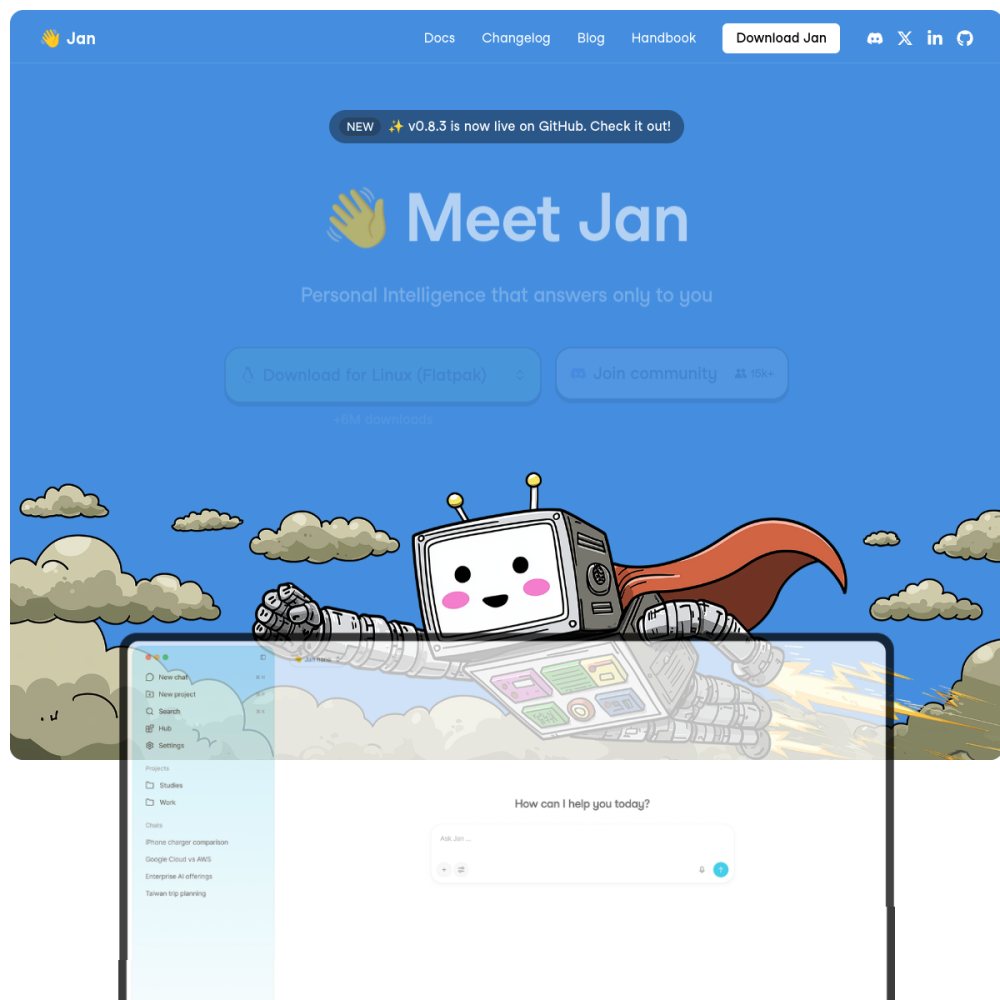
Website Preview
Tool Guide
Jan is a free open-source local LLM runner designed to let users operate AI models directly on their own hardware. It focuses heavily on privacy and accessibility without requiring expensive cloud subscriptions or ongoing service fees.
This tool enables individuals to download and interact with various language models completely offline. Users retain full control over their data while accessing powerful AI capabilities through a simple, user-friendly interface.
Jan functions as a dedicated desktop application for running large language models locally on your computer. Unlike cloud-based services that send data to remote servers, it processes all requests directly on the user's machine.
This approach ensures sensitive information never leaves the device during operation, providing a secure environment for AI interactions. The software acts as a bridge between your hardware and the model files.
The platform supports multiple model architectures and allows easy switching between different versions based on needs. Users can manage downloads and configurations through an intuitive dashboard designed for simplicity.
It emphasizes an open-source codebase for transparency and community contribution, allowing for potential customization by advanced users. Regular updates often bring support for new model types and performance improvements.
Developers seeking local testing environments benefit significantly from Jan's flexibility and control. Privacy-conscious users who avoid cloud data sharing find this solution ideal for sensitive tasks.
It also suits hobbyists interested in experimenting with different AI models without incurring ongoing subscription fees. No advanced technical knowledge is strictly required to begin using the basic features.
Writers use it for drafting content without sharing sensitive project details with external providers. Coders utilize it for generating snippets or debugging assistance locally within their own network.
Researchers can test model behaviors in isolated environments safely before deploying solutions elsewhere. Teams can iterate on prompts without worrying about data leakage or external API limits.
Visit the official website to download the application compatible with your specific operating system. Install the software and select a compatible model from the available library within the app.
Ensure your hardware meets the requirements for smooth performance during inference to avoid lag. Check community forums for troubleshooting advice if you encounter installation issues on your system.
Yes, it is a free open-source tool available for download without mandatory payment plans.
No, it runs locally after the initial model download is complete.
A computer with sufficient RAM and storage space is required for hosting models.