Website Preview
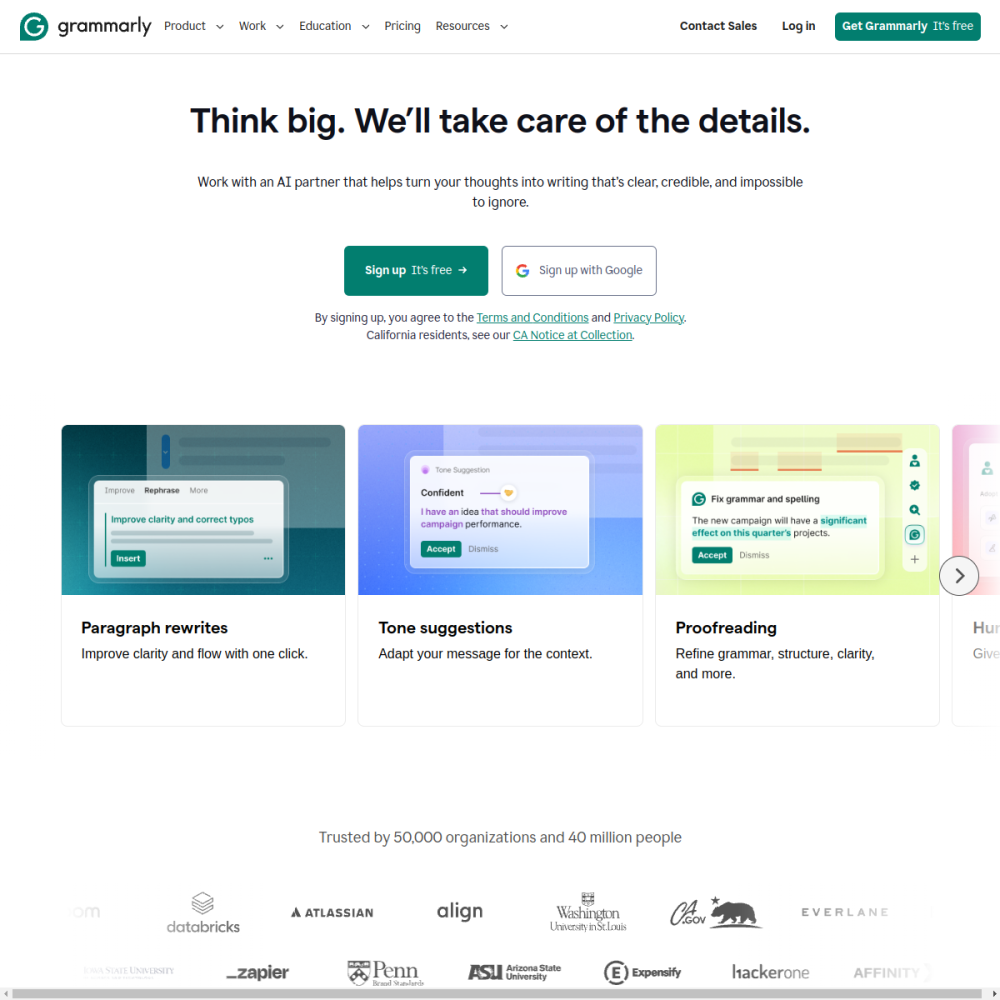
Tool Guide
Grammarly is a widely recognized AI writing tool designed to help users polish their text efficiently. It focuses on correcting grammar, enhancing clarity, and adjusting tone to match the intended audience accurately.
Whether you are drafting professional emails, creating marketing content, or editing personal documents, this platform provides real-time suggestions. It aims to improve overall communication quality without requiring advanced technical skills or extensive editing time.
Grammarly functions as an AI writing assistant available primarily through web browsers and applications. It analyzes text input to identify errors and suggest improvements automatically as you type. The core purpose is to ensure written communication is clear and professional for any user.
The service operates by scanning your writing against a database of common errors and style guidelines. This allows for immediate feedback rather than waiting for a manual review process.
Users can rely on this technology to catch mistakes that might otherwise go unnoticed during quick drafting sessions. It acts as a digital editor for your daily writing tasks.
The tool offers grammar checking capabilities to fix spelling and syntax errors effectively across different languages. It also includes tone detection to help users adjust the style of their writing appropriately for the context.
Additionally, it provides suggestions for clarity and conciseness to enhance overall readability for the reader. These features work together to streamline the editing process significantly.
You can choose to accept or ignore suggestions based on your specific writing needs and preferences.
This platform suits students, professionals, and content creators who write regularly in English. Anyone seeking automated feedback can benefit from the suggestions provided by the system.
It is particularly useful for non-native speakers seeking to improve English proficiency and confidence in their writing. Teams also use it to maintain consistent communication standards.
Individuals looking to reduce editing time will find the automated assistance valuable for daily tasks.
Users often employ this tool for business emails and formal reports requiring high accuracy. It is also popular for academic writing and social media posts across various platforms.
Bloggers and marketers use it to refine copy before publication to ensure accuracy and engagement. Job seekers utilize it to polish resumes and cover letters for better impact.
Any scenario involving written text can potentially benefit from this level of automated review.
To begin, users visit the official website to create an account securely and access the dashboard. You can install the browser extension or use the dedicated web editor for input.
Once connected, the tool begins scanning your text immediately as you type in supported applications. You can customize settings to define your audience and formality level.
Regularly review suggestions to understand recurring errors and improve your writing habits over time.
It checks for grammar, spelling, punctuation, and tone to improve writing quality. It also looks for clarity and engagement issues within your text. This helps ensure your message is understood correctly.
It analyzes your text and suggests adjustments to match the desired style or audience. You can select specific tone goals to guide the recommendations provided. This ensures your voice aligns with your goals.
You can access the tool via their website or through browser extensions. It integrates with many common writing applications for seamless use. This makes editing easier across different devices.